Updated August 27, 2026
What is a 3D logo, and which style should you use?
A 3D logo is a logo mark or wordmark that has been given depth, a physical material such as chrome, gold, or glass, and lighting, so it renders as an object rather than a flat shape.
Six 3D logo styles, and when to use each
The finish does more work than the shape. Each style below is a preset group in the editor; the page for each explains when it fits, its limits, and the exact presets.
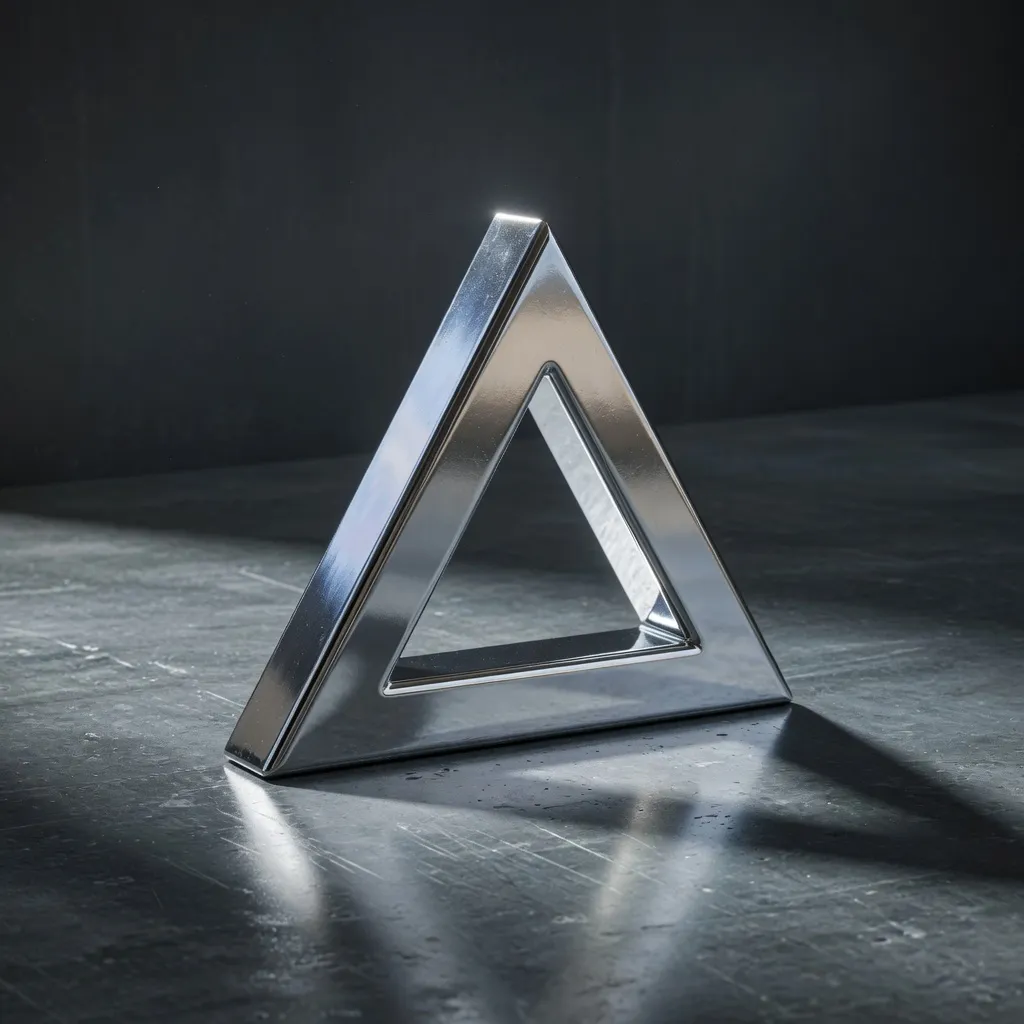
Chrome 3D logo
Chrome carries the least colour of any finish, so the mark itself stays the subject: the highlights and reflections describe the shape rather than compete with it.
Best for: app icons and favicons; launch and product hero images.
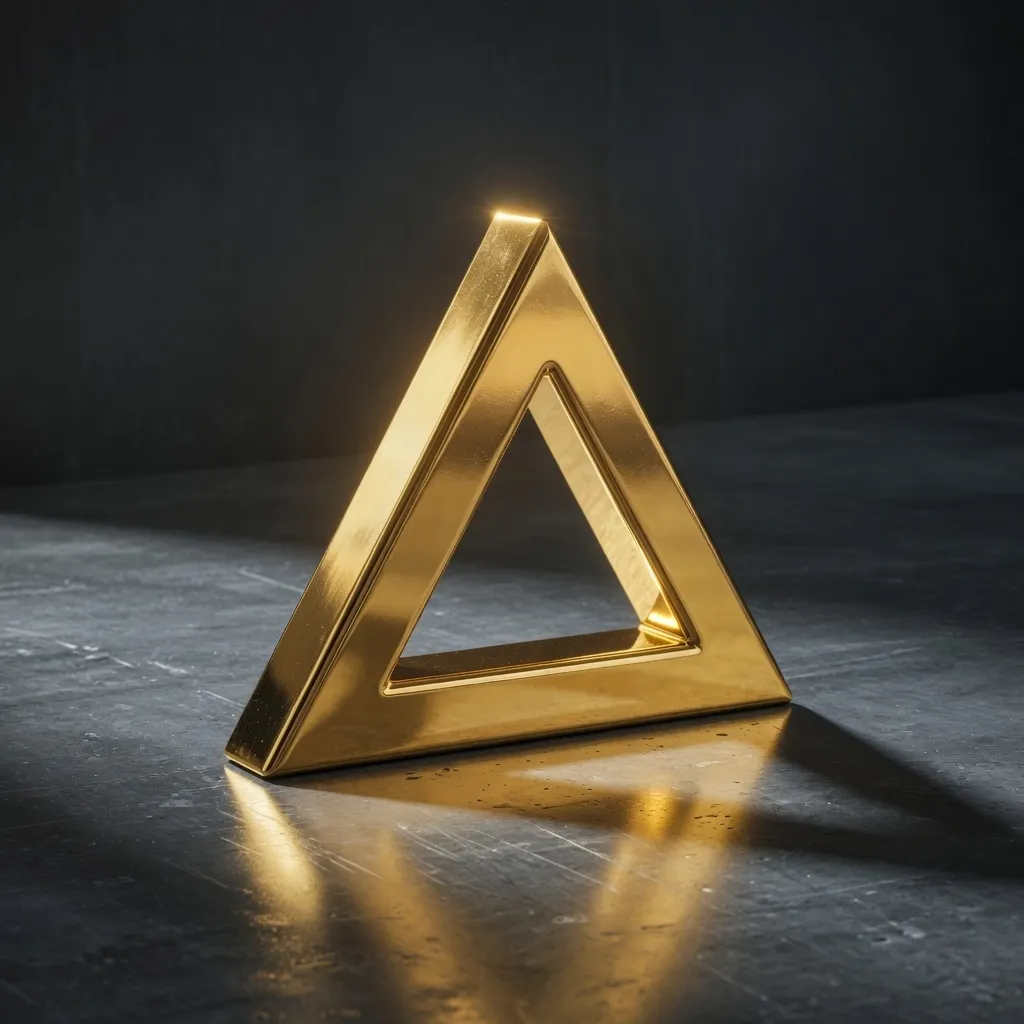
Gold 3D logo
Gold is visually heavier than chrome and reads as value rather than technology.
Best for: seals, monograms, and crests; certificates and awards.
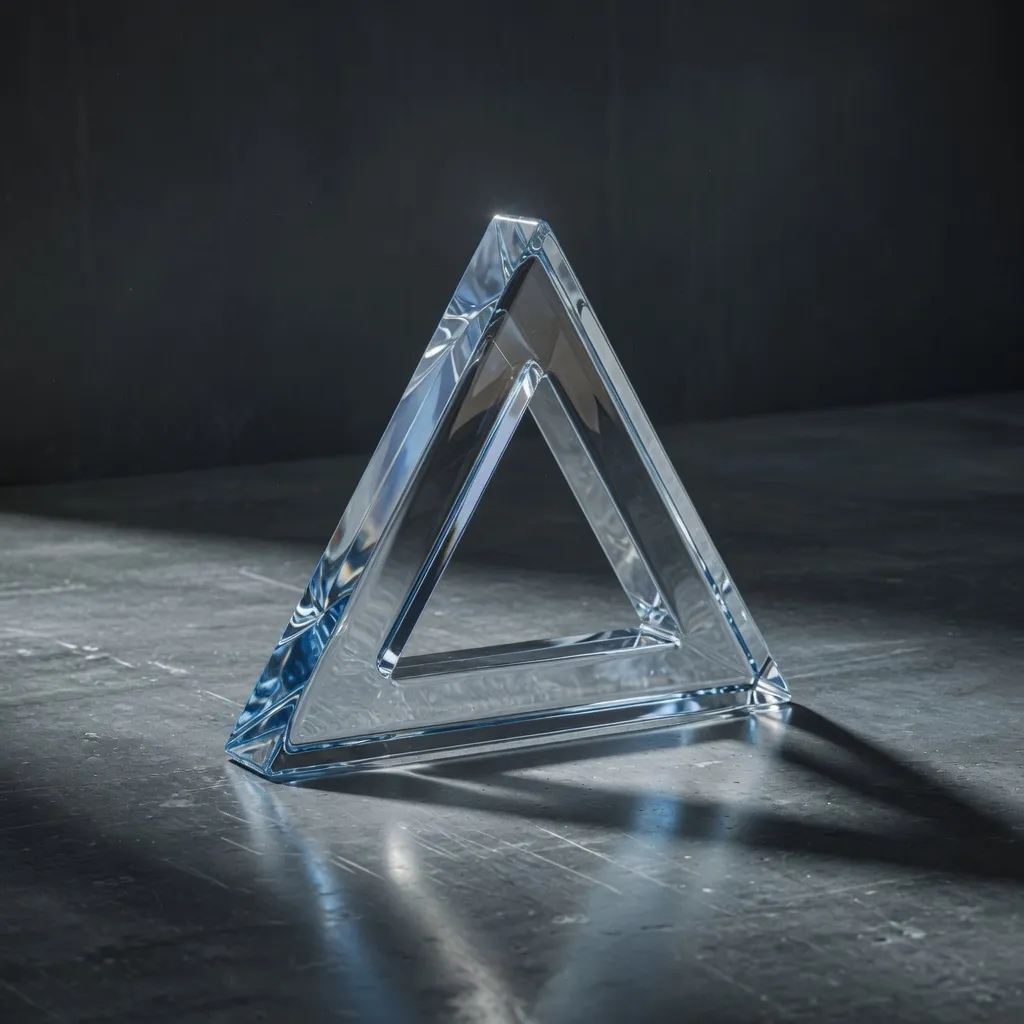
Glass 3D logo
Glass is the finish to reach for when the logo has to sit over photography, gradients, or a busy interface.
Best for: logos over photography or gradients; glassmorphism and frosted ui.
Holographic 3D logo
Iridescence is the finish behind the current chrome revival in brand design: it reads as metal but carries colour.
Best for: motion reels and reveals; sticker, foil, and merch mockups.
Brushed metal 3D logo
Brushed metal reads as manufactured rather than glossy.
Best for: hardware, tools, and audio equipment; automotive and engineering brands.
Gradient 3D logo
A gradient is the option when the brand palette matters more than a physically plausible material.
Best for: brands with a two-colour palette; social and app marketing.
How the styles compare
The same four dimensions for every style: how it handles light, the background it needs, where it is usually used, and what happens when it moves.
| Style | Light | Background | Usual surface | In motion |
|---|---|---|---|---|
| Chrome 3D logo | Mirror reflection, neutral | Dark or lit environment | Screens, app icons | Reflections travel |
| Gold 3D logo | Mirror reflection, warm tint | Dark or cool | Print, foil, packaging | Reflections travel |
| Glass 3D logo | Refraction, transmits background | Photo, gradient, lit scene | UI over imagery | Background bends |
| Holographic 3D logo | Angle-dependent colour | Dark | Video, merch mockups | Colour shifts, best moving |
| Brushed metal 3D logo | Directional highlight | Mid-grey or dark | Hardware, badges | Grain highlight slides |
| Gradient 3D logo | Fixed colour ramp | Any contrasting colour | Social, light backgrounds | Stable colour |
Start from the file you already have
A 3D logo starts from one of three things: a vector file, a raster image, or a typed name. Which one you have decides how sharp the result can be, because a vector extrudes directly while an image has to be traced first.
3D logo from an SVG
An SVG is the best file to start from: 3DLogo.io reads its paths directly, extrudes them to a depth you set, and applies a material, so the finished 3D logo has exactly the outline your vector file had.
3D logo from a PNG or JPEG
A PNG or JPEG can become a 3D logo here, but it takes one extra step: the image is traced into vector paths in your browser, and those paths are then extruded and given a material.
3D logo from typed text
No file at all: type the name, pick a typeface, and extrude the wordmark.
Start from a name, or make it move
3D text logo
A 3D text logo is a wordmark set in a display typeface and extruded into a mesh, then finished with a material such as chrome, gold, or glass.
Animated 3D logo
An animated 3D logo is a 3D mark rendered over time with a motion preset, exported as a short video loop.
What each surface needs from a 3D logo
The export, size, and style differ by where the logo will be seen. Each page states the requirement and the exact export that meets it.
3D logo for an app icon
An app icon needs a square, high-contrast render of the mark with no text and no thin strokes.
3D logo for Reels, TikTok, and Shorts
Vertical feeds want a 9:16 clip of a few seconds with the mark centred and moving.
3D logo for a website hero
A website can show the logo as a live 3D object, a video loop, or a still.
3D logo for print and packaging
Print surfaces want a high-resolution still of the mark in a physical material, usually gold, brushed metal, or a dark chrome, on a transparent background.
3D logo for a YouTube channel
A YouTube channel needs the same mark at three sizes that behave very differently: a 2560 x 1440 banner where only a 1546 x 423 strip is guaranteed to be visible, a circular 800 px avatar, and a 16:9 intro clip.
3D logo for streaming and gaming
A stream needs the same mark at four very different jobs: a 256 px avatar that is mostly seen at thumbnail size, a 1920 x 1080 offline banner, panels no wider than 320 px, and a short animated sting for alerts and transitions.
3D logo for an email signature
Export a transparent PNG at twice the size it will display, keep it around 100 to 200 px wide in the signature, and pick a solid finish rather than a reflective one.
Not sure this is the right kind of tool? Browser extruders, template makers, AI generators, and full 3D software compared, or head to head: Canva, Sloyd, Meshy, Looka, Wix, and 3DLogoLab (a different site).
How to make a 3D logo on 3DLogo.io
The free 3D logo maker at 3DLogo.io makes one in the browser from an SVG, a PNG, or typed text, and exports it as a PNG, a GLB 3D file, or an MP4 loop.
- Open the editor. No account is needed to start.
- Upload an SVG or PNG of the mark, or switch to Text and type the name.
- Pick a material preset: chrome, gold, glass, holographic, brushed metal, or a gradient.
- Set depth and bevel, choose an environment and background, and add motion if the logo will move.
- Export PNG, GLB, OBJ, STL, or MP4. Share a link or embed the live 3D view from the same panel.
For a struck coin rather than an extruded mark, use the 3D coin generator. To build a new object from a photo or prompt, use Generate.
Reference
The four pages that answer the questions every other page in this guide assumes: what to export, what the terms mean, what you are allowed to do with the result, and what to do when something fails.
Exporting a 3D logo
Export a PNG for anything flat: a website, a deck, a social post, or an app icon.
3D logo glossary
These are the terms the 3DLogo.io editor and the rest of this guide use, defined in one or two sentences each.
License and commercial use
You own what you make.
3D logo troubleshooting
Most problems fall into three groups: the file is refused at upload, the file loads but nothing appears, or the logo renders but looks wrong.
When not to use a 3D logo
A 3D logo is a render, not a replacement for your mark.
3D logo materials
The editor ships 84 material presets in 16 families, and 78 of them are on the free plan.
Sharing and embedding
Share the design, then paste the embed snippet.
3D logo questions
- What is a 3D logo?
- A 3D logo is a logo with depth, a material, and lighting, rendered as a three-dimensional object. It starts from a flat mark or a typed name; the extrusion, bevel, and finish are what make it 3D.
- What is the difference between a 3D logo and a 3D-generated model?
- A 3D logo is your existing mark extruded and finished; the shape stays exactly yours. Generate on 3DLogo.io is different: it builds a new mesh from a photo or a text prompt. Use the editor for a logo, Generate for an object.
- Which file do I upload to make a 3D logo?
- An SVG gives the cleanest result because its paths extrude directly. A PNG or JPEG is traced in the browser first, so a high-contrast mark on a plain background works best.
- Which export do I need?
- PNG for websites, decks, and social stills; GLB or glTF to keep the 3D model and material for AR, game engines, or a web viewer; OBJ or STL for desktop 3D tools and printing; MP4 for a 5-second loop.
- Is making a 3D logo free?
- Yes. The editor, every material preset, and PNG, GLB, and 480p MP4 export are free without an account. Free exports carry a small 3dlogo.io mark. Pro ($12 a month or $96 a year) removes it and adds 4K stills and HD MP4.
- Can I use the 3D logo commercially?
- Yes. Logos you make on 3DLogo.io include commercial use for your business, clients, or other commercial work.
