Updated August 27, 2026
Brushed metal 3D logo: a machined finish instead of a mirror
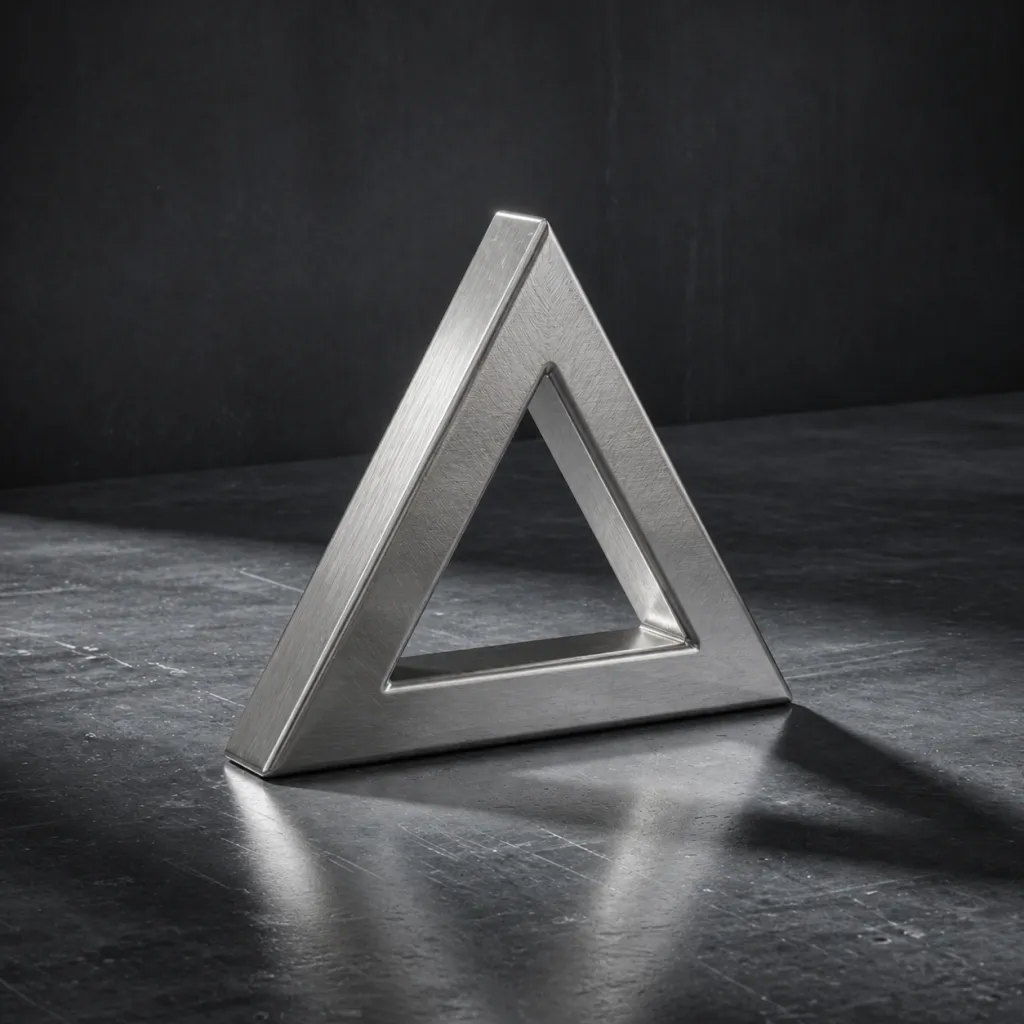
A brushed metal 3D logo is an extruded mark finished with an anisotropic metal material, where the highlight stretches along a grain direction instead of forming a point. In the 3DLogo.io editor that is Brushed Steel, with Titanium, Gunmetal, and Sterling Silver in the Precious Metals group and plate and corrugated surfaces in Forged Chrome.
When to use a brushed metal 3D logo
Brushed metal reads as manufactured rather than glossy. It suits hardware, tools, automotive, industrial, and audio brands, where a mirror finish would look decorative. The grain also hides small mesh imperfections that a mirror would expose.
Best for
- Hardware, tools, and audio equipment
- Automotive and engineering brands
- Badges and nameplates
- Marks with small imperfections to hide
Conditions and limitations
The grain direction is fixed relative to the mark, so rotating the logo changes how the highlight falls. Brushed textures need a mid-grey or dark background; on white the grain disappears. STL and OBJ keep the geometry only; use GLB to keep the material.
Brushed and machined metal presets
Directional and textured metals from two groups. Each link opens the editor with that preset applied.
- Brushed Steel
Directional grain; the default.
- Brushed Gold
The same streak, in gold.
- Titanium
Darker, warmer grey.
- Gunmetal
Near-black metal.
- Sterling Silver
Bright, slightly warm silver.
- Metal Plates
Riveted panels.
- Corrugated Steel
Ridged industrial surface.
How to make a brushed metal 3D logo on 3DLogo.io
- Open the editor and add your mark or text.
- Choose Forged Chrome, then Brushed Steel; or Precious Metals for Titanium or Gunmetal.
- Use the warehouse or studio environment and a dark background.
- Keep the bevel small so the grain stays readable on the face.
- Export GLB to keep the material, PNG for a still.
Which export to use, and what Free includes
Every style exports the same way. Free: PNG or JPEG up to 1024px, GLB, glTF, OBJ, STL, USDZ, and a 5-second 480p MP4, each with a small 3dlogo.io mark. Pro: 2K and 4K stills, 720p and 1080p MP4, and no mark on any file.
Plan details are on the pricing page. GLB and glTF keep the material; OBJ and STL keep geometry only, and the free 3D converter recodes between them on the device.
Brushed metal versus chrome
Both are metals. Chrome is a mirror with a point highlight and reflects the environment in full; brushed metal stretches the highlight along a grain and blurs the reflection. Chrome looks polished and consumer; brushed looks machined and industrial.
Brushed metal 3D logo questions
- Can I change the grain direction?
- Not per preset. Rotate the mark in the viewport, or use custom material mode, which exposes anisotropy settings.
- Which export keeps the brushed look?
- GLB and glTF keep the physically based material. OBJ and STL keep geometry only.
