Updated August 27, 2026
Holographic 3D logo: thin-film colour that moves with the view
A holographic 3D logo is an extruded mark finished with an iridescent material whose colour shifts with the viewing angle, the way a foil sticker or an oil film does. In the 3DLogo.io editor the Holo Iridescent group includes Prism Holo, Holo Foil, Oil Slick, and Pearl Shift.
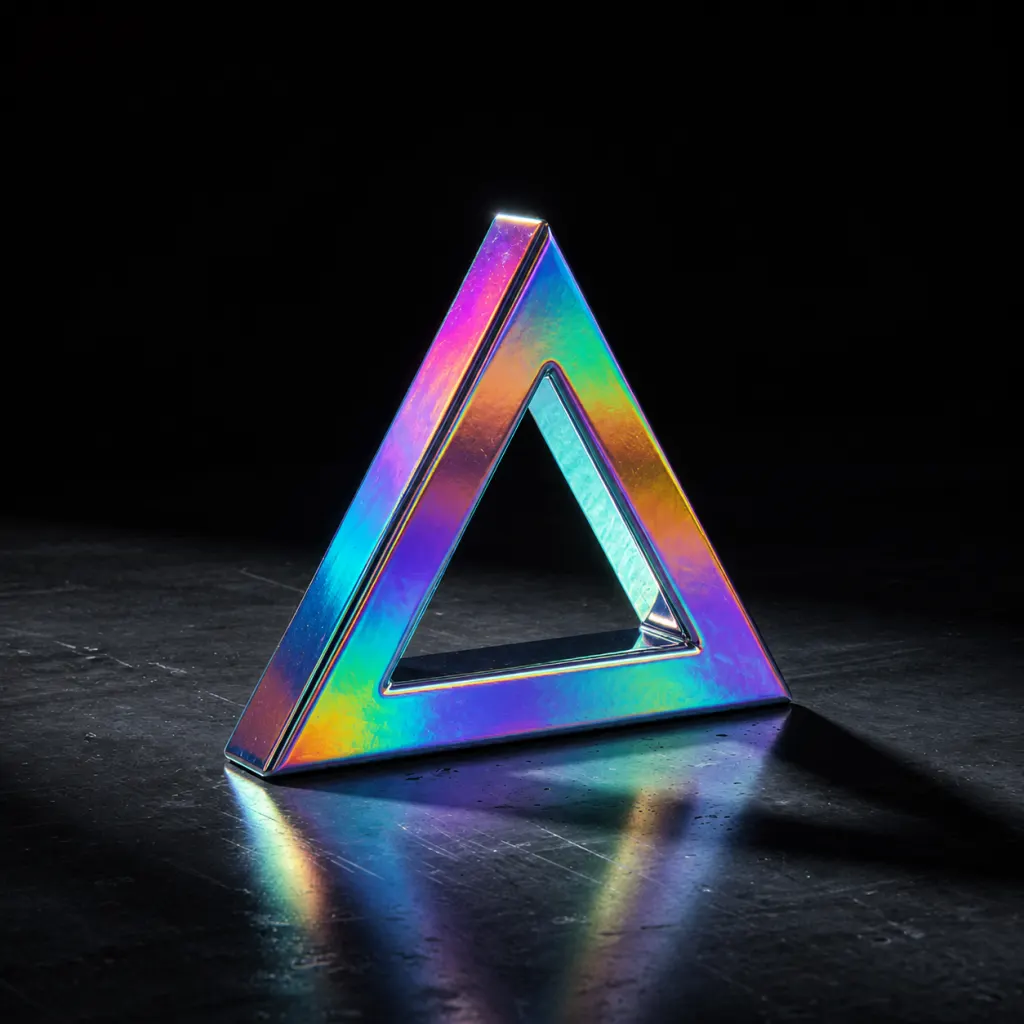
When to use a holographic 3D logo
Iridescence is the finish behind the current chrome revival in brand design: it reads as metal but carries colour. Because the hue changes as the surface turns, holographic logos show best in motion or on a bevelled edge, where the angle to the camera varies across the mark.
Best for
- Motion reels and reveals
- Sticker, foil, and merch mockups
- Music, fashion, and event brands
- Y2K and chrome-revival styles
Conditions and limitations
A still render captures one angle, so a static holographic logo can look like a plain tinted metal. Export an MP4 or a GLB to keep the effect, or add a wide bevel so several angles appear in one frame. Iridescence exports in GLB only where the viewer supports the extension; a plain OBJ or STL keeps the geometry and drops the effect.
Holographic presets in the editor
Four presets in the Holo Iridescent group. Each link opens the editor with that preset applied.
- Prism Holo
Full-spectrum shift; the default.
- Holo Foil
A brighter, flatter foil sticker look.
- Oil Slick
Dark base with a thin-film rainbow.
- Pearl Shift
A soft, pale iridescence.
How to make a holographic 3D logo on 3DLogo.io
- Open the editor and add your mark or text.
- Choose Holo Iridescent, then Prism Holo.
- Add a bevel so more than one angle is visible in a still.
- Turn on Orbit or Tumble motion to see the colour travel.
- Export MP4 for the moving version, GLB for 3D, or PNG for a single frame.
Which export to use, and what Free includes
Every style exports the same way. Free: PNG or JPEG up to 1024px, GLB, glTF, OBJ, STL, USDZ, and a 5-second 480p MP4, each with a small 3dlogo.io mark. Pro: 2K and 4K stills, 720p and 1080p MP4, and no mark on any file.
Plan details are on the pricing page. GLB and glTF keep the material; OBJ and STL keep geometry only, and the free 3D converter recodes between them on the device.
Holographic versus gradient and chrome
A gradient paints fixed colour stops onto the surface; holographic colour depends on the angle, so it changes as the mark or camera moves. Chrome has no colour of its own. If the logo will mostly be seen as a still image, a gradient is the more predictable choice; if it will move, holographic.
Holographic 3D logo questions
- Will the holographic effect show in a PNG?
- Partly. A PNG captures one angle, so a bevel and a lit environment are what make the shift visible in a still. The MP4 and GLB keep the full effect.
- Can I control which colours appear?
- The presets set the film thickness and base colour. Custom material mode exposes iridescence and iridescence IOR sliders for finer control.
