Updated August 27, 2026
Animated 3D logo: a 5-second MP4 loop from the same scene
An animated 3D logo is a 3D mark rendered over time with a motion preset, exported as a short video loop. In the 3DLogo.io editor the Motion panel offers Still, Orbit (the camera circles), Spin, Tumble, Reveal, and Pulse, and the MP4 export records five seconds of the live scene.
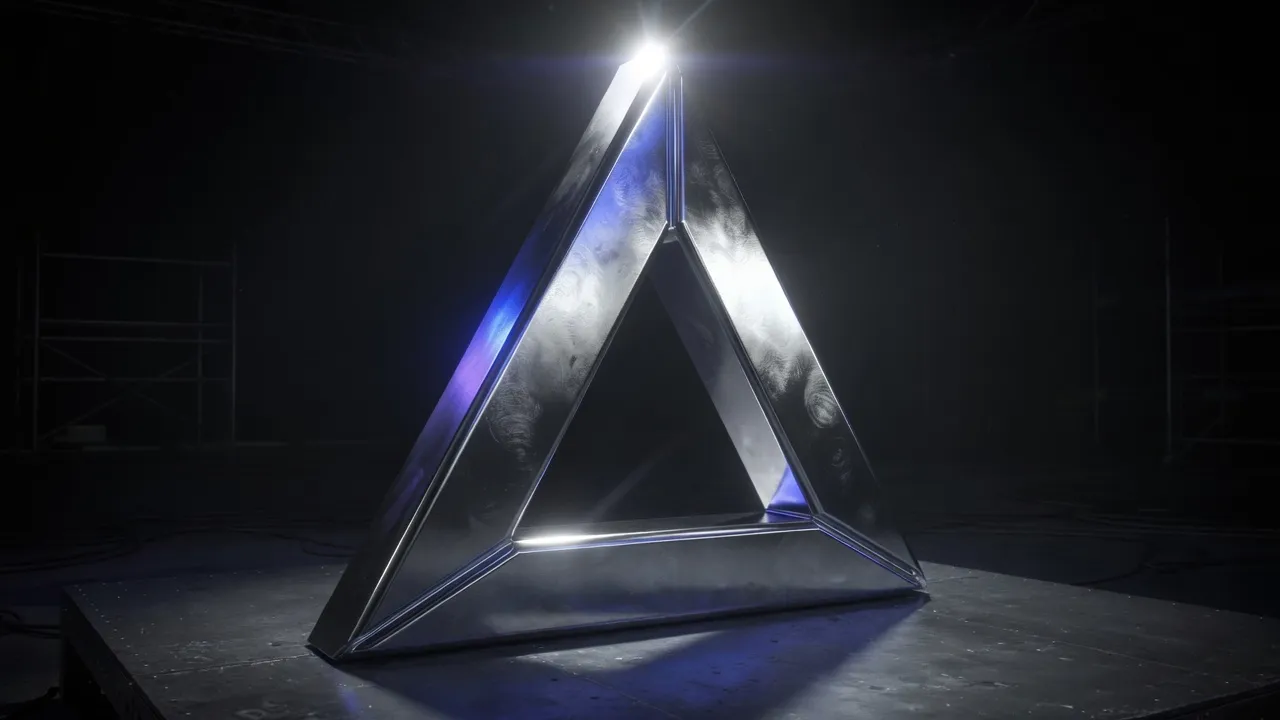
When to use a animated 3D logo
A moving mark shows the material: chrome reflections travel, holographic colour shifts, and glass refracts different parts of the background as it turns. A five-second loop is the length social feeds and video intros expect, and it renders in the browser without a render farm.
Best for
- Instagram Reels, TikTok, and Shorts
- YouTube and podcast intros
- Website hero loops
- Pitch decks and product launches
Conditions and limitations
Video export needs a browser with WebCodecs (Chrome, Edge, or Safari 16.4 and newer). Free exports are 480p with a small 3dlogo.io mark; Pro exports 720p and 1080p with nothing on them. The MP4 has no alpha channel, so the scene background is part of the clip; match it to where the video will play.
Motion presets in the editor
Each link opens the editor with the name "Nova" in chrome and that motion running.
How to make a animated 3D logo on 3DLogo.io
- Open the editor and add your mark or text.
- Pick a material that rewards movement: chrome, holographic, or glass.
- In the Motion panel choose Spin for a turntable or Reveal for an intro sting.
- Set the background colour to match where the clip will play.
- Export MP4. Share from the editor to save a 9:16 clip for Reels, TikTok, or Shorts, or a 16:9 clip for YouTube and sites.
Which export to use, and what Free includes
Free exports a 5-second 480p MP4 with a small 3dlogo.io mark. Pro exports 720p and 1080p with no mark. Stills and 3D files follow the same rule: free up to 1024px with a mark, Pro up to 4K with none.
Plan details are on the pricing page. GLB and glTF keep the material; OBJ and STL keep geometry only, and the free 3D converter recodes between them on the device.
Animated logo versus a shared 3D page
An MP4 is a fixed clip that plays anywhere video plays. A share link or embed from the editor keeps the logo live in 3D, so viewers can drag to orbit it; it needs a browser rather than a video player. Use the MP4 for feeds and intros, the share link for a website or a pitch.
Animated 3D logo questions
- How long is the exported animation?
- Five seconds, at 30 frames per second, as an MP4 loop.
- Can I export a transparent video?
- No. MP4 has no alpha channel here; the scene background is rendered. Choose a background colour that matches the destination, or export a transparent PNG and animate it elsewhere.
- Which motion is right for a logo reveal?
- Reveal builds the mark in from nothing and ends still, which is the usual intro sting. Spin is the turntable used for product shots and loops.
- Does the animated logo need an account?
- No. The 480p MP4 exports without an account. Sharing a link or saving a 1080p clip needs a free account and Pro respectively.
