Loading viewer…
Updated September 2026
Wavefront geometry in the tab. Not a shaded product shot.
OBJ is a text mesh used across desktop apps. This viewer draws positions and faces with a default material. It does not apply MTL, JPG, or PNG sidecars, so a colorful export will look clay here. Use it to confirm the silhouette, then convert to GLB if you need PBR on the web.
Drop the .obj only. Companion MTL files are ignored on purpose so the page stays on-device.
1
MTL, JPG, and PNG sidecars are skipped. You are checking geometry, not a texture set.
2
A default material is applied. Color in the original DCC will not show here.
3
Convert OBJ to GLB for a default-material web file, or OBJ to STL for a slicer.
OBJ is a geometry interchange. GLB is a shaded scene. This page is for the first, not a substitute for a product render.
| Topic | OBJ | GLB |
|---|---|---|
| What you see | Mesh with a default material | PBR, textures, and clips when present |
| Sidecars | MTL and maps are skipped | Everything is inside the .glb |
| Typical source | ZBrush, CAD mesh dump, old pipelines | Generate, Blender, glTF exporters |
| When to convert | Move to GLB for web look | Move to OBJ for a DCC that still wants text |
Need print triangles instead of text OBJ? Convert OBJ to STL. Need color on the web? Convert OBJ to GLB and expect a default material.
The file is decoded as text in this tab and turned into a Three.js mesh. There is no convert API. Large ASCII OBJs use device RAM, which is why the cap is 80 MB.
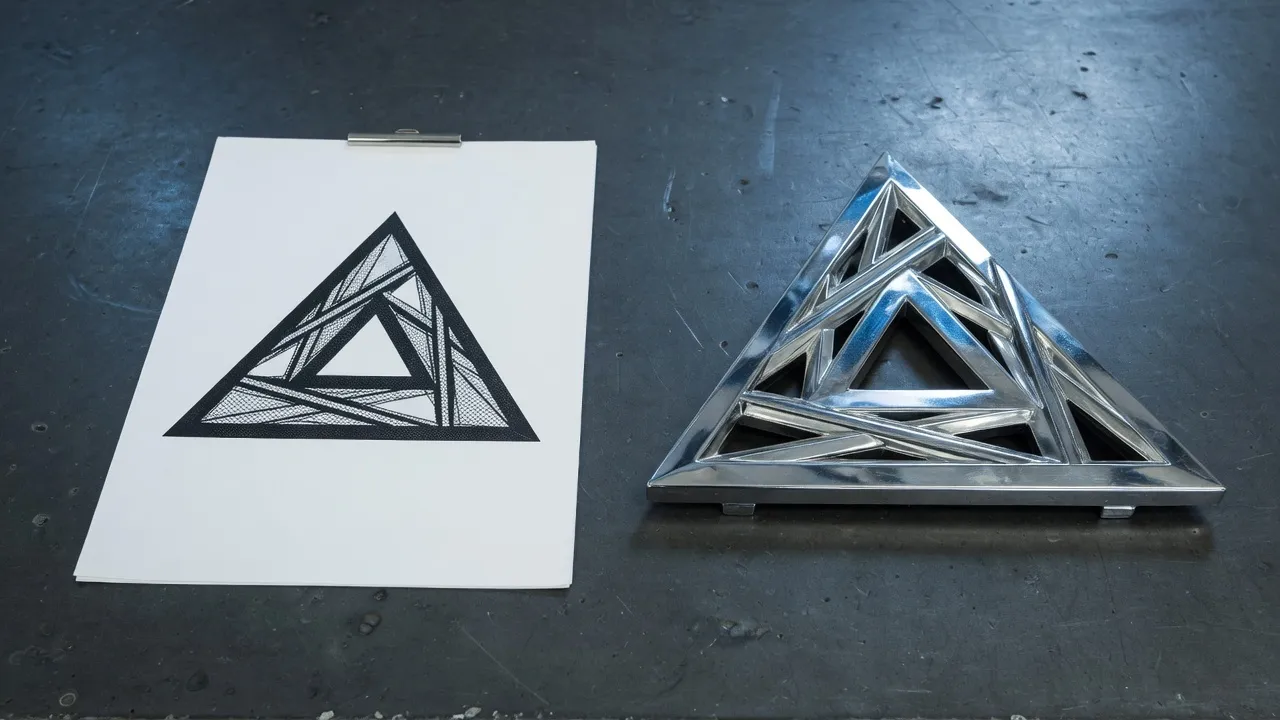
Broad desktop interchange. This tool reads and writes mesh geometry. MTL and texture sets are not applied.
MTL and texture maps are skipped. This viewer is for geometry. Convert to GLB only if a default material on the web is enough, or keep the DCC file for lookdev.
Drop the .obj on this page. Orbit with one finger, pinch to zoom. Very large ASCII OBJs can exhaust phone memory. Stay under 80 MB.
No. The text is parsed locally. Companion MTL files are not even read.
View OBJ when you came from a DCC dump. View STL when the next step is a slicer. Convert OBJ to STL if you need print triangles.
Yes. No account. Convert OBJ to GLB or STL in the converter when you are done looking.
Viewing is free. Convert to GLB for web or STL for print without leaving the browser.
