Updated August 27, 2026
3D text logo: type a name, get a 3D wordmark
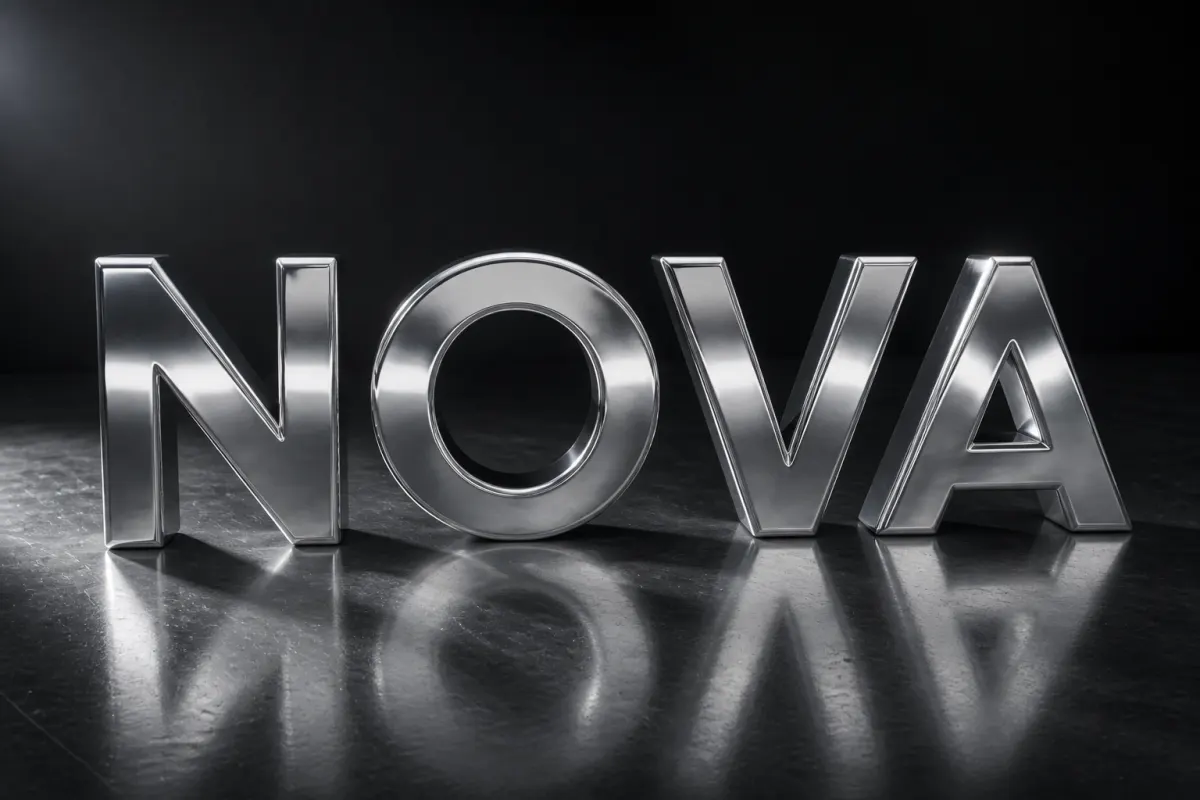
A 3D text logo is a wordmark set in a display typeface and extruded into a mesh, then finished with a material such as chrome, gold, or glass. In the 3DLogo.io editor, Text mode builds the mesh from what you type; no file upload is needed.
When to use a 3D text logo
Most small brands start with a name rather than a symbol. Text mode gives that name depth, a material, and motion in one step, which is enough for a launch hero, a video intro, or a placeholder logo while the symbol is still being designed.
Best for
- Company and product names
- YouTube and podcast intros
- Placeholder logos before a symbol exists
- Event and campaign titles
Conditions and limitations
Text is limited to 40 characters and the ten bundled fonts; a custom typeface has to be converted to SVG outlines first and uploaded as a mark. Script faces with thin joins can break at low depth, so raise the depth or pick a heavier font.
Fonts in Text mode
Ten display typefaces. Each link opens the editor with the name "Nova" set in that font and chrome applied; replace the text with your own.
- Outfit
Geometric sans, the default.
- Oswald
Condensed, tall letterforms.
- Montserrat
Wide, friendly extra-bold.
- Archivo Black
Heavy grotesque.
- Bebas
All-caps condensed.
- Anton
Dense impact-style sans.
- Russo
Squared, technical.
- Orbitron
Futuristic, wide.
- Black Ops
Stencil military.
- Pacifico
Brush script.
How to make a 3D text logo on 3DLogo.io
- Open the editor and switch the left panel to Text.
- Type the name (up to 40 characters) and pick a font.
- Choose a material group: chrome for tech, gold for premium, glass for UI.
- Adjust depth, bevel, and letter spacing until the word reads at small size.
- Export PNG, GLB, or a 480p MP4; add Orbit or Reveal motion first for a video intro.
Which export to use, and what Free includes
Every style exports the same way. Free: PNG or JPEG up to 1024px, GLB, glTF, OBJ, STL, USDZ, and a 5-second 480p MP4, each with a small 3dlogo.io mark. Pro: 2K and 4K stills, 720p and 1080p MP4, and no mark on any file.
Plan details are on the pricing page. GLB and glTF keep the material; OBJ and STL keep geometry only, and the free 3D converter recodes between them on the device.
3D text versus an uploaded mark
Text mode builds the mesh from a typeface: ten bundled display fonts, or a TTF/OTF/WOFF you upload, up to 40 characters. Uploading an SVG extrudes any shape, including a custom wordmark exported from a design tool. Use Text mode to start fast; upload an SVG when the outlines are final.
3D text logo questions
- Can I use my own font?
- Yes. In Text mode, upload a TTF, OTF, WOFF, or WOFF2 under the font grid. The editor rasterises that face and extrudes it. You can still convert a wordmark to SVG outlines and upload it as a mark if you prefer.
- Is the 3D text logo maker free?
- Yes. Text mode, all ten fonts, and PNG, GLB, and 480p MP4 export are free without an account, with a small 3dlogo.io mark on free exports.
- Can an AI assistant open the editor with my name typed in?
- Yes. The MCP server builds editor links with text, font, material, and motion set; see the integrations page.
