Updated August 27, 2026
Fixing a 3D logo that will not upload or does not look right
Most problems fall into three groups: the file is refused at upload, the file loads but nothing appears, or the logo renders but looks wrong. Find the symptom below and apply the fix. Every refusal message listed here comes from a specific check, so the message tells you exactly which one failed.
Why was my upload refused?#
Uploads are checked for type, size, and safety before anything is rendered. Each check has its own message.
| What you see | Cause | Fix |
|---|---|---|
| That is not a PNG, JPEG, GIF, WebP, or SVG image | The file is not an image the editor reads, or a link to a page showing the logo was sent rather than the file itself. | Send the image file. If you copied a URL, open it and save the actual image first. |
| SVG files must be under 1 MB | The SVG is over the 1 MB cap, usually because it embeds a raster image or holds thousands of auto-traced points. | Open it and delete embedded images and hidden layers, or re-export the mark on its own. |
| Image files must be under 8 MB | The raster file is over the 8 MB cap. | Re-export at roughly 1000 to 2000 px on the long edge as PNG. A logo never needs a photo-sized file. |
| The SVG contains a script element | The file has executable or remote content. The same check also refuses foreignObject, XML entities, inline event handlers, javascript: URLs, iframe, object, embed, meta, link, external href values, and remote @import or url() styles. | Export a plain paths-only SVG. In Inkscape use Save As Plain SVG; in Illustrator export with Presentation Attributes styling. |
| The SVG references an external resource | The mark points at a file or font that lives somewhere else, so it would not render the same for anyone else. | Embed or outline whatever is referenced, then export again with nothing linked. |
| Invalid SVG XML structure | The file is not well-formed XML, often because it was edited by hand or truncated in transit. | Re-export from the design tool rather than repairing it by hand. |
| No SVG root element found | The file has an .svg extension but is not an SVG. | Check what it actually is. A renamed PDF or EPS is the usual culprit. |
| The artwork is too complex | The mark exceeds roughly 50 paths, above which the mesh would stall the browser. | Merge overlapping shapes, delete hidden layers, and remove effects that were expanded into many paths. Five or fewer paths is optimal and up to 20 performs well. |
Why does nothing appear after I upload a file?#
The file passed every check, so the problem is that there is no extrudable shape where the editor is looking.
| Symptom | Cause | Fix |
|---|---|---|
| Empty canvas after an SVG upload | The SVG contains live text rather than outlines. Text has no path to extrude. | Convert type to outlines before exporting: Type > Create Outlines in Illustrator, Flatten in Figma, Path > Object to Path in Inkscape. |
| Mark appears tiny or off-centre | The artboard is much larger than the mark, or the viewBox does not match the artwork. | Crop the artboard tight to the mark and export again. |
| Only part of the logo shows | Some shapes sit outside the viewBox, or a clipping mask hides them. | Release clipping masks, select all artwork, and fit the artboard to the selection. |
| Nothing after a PNG upload | The image is almost entirely one tone, so tracing found no boundary to follow. | Raise contrast. Put a light mark on black or a dark mark on white and upload again. |
Why does my 3D logo look wrong?#
These are shape and material problems rather than file problems, and each has a single control that fixes it.
| Symptom | Cause | Fix |
|---|---|---|
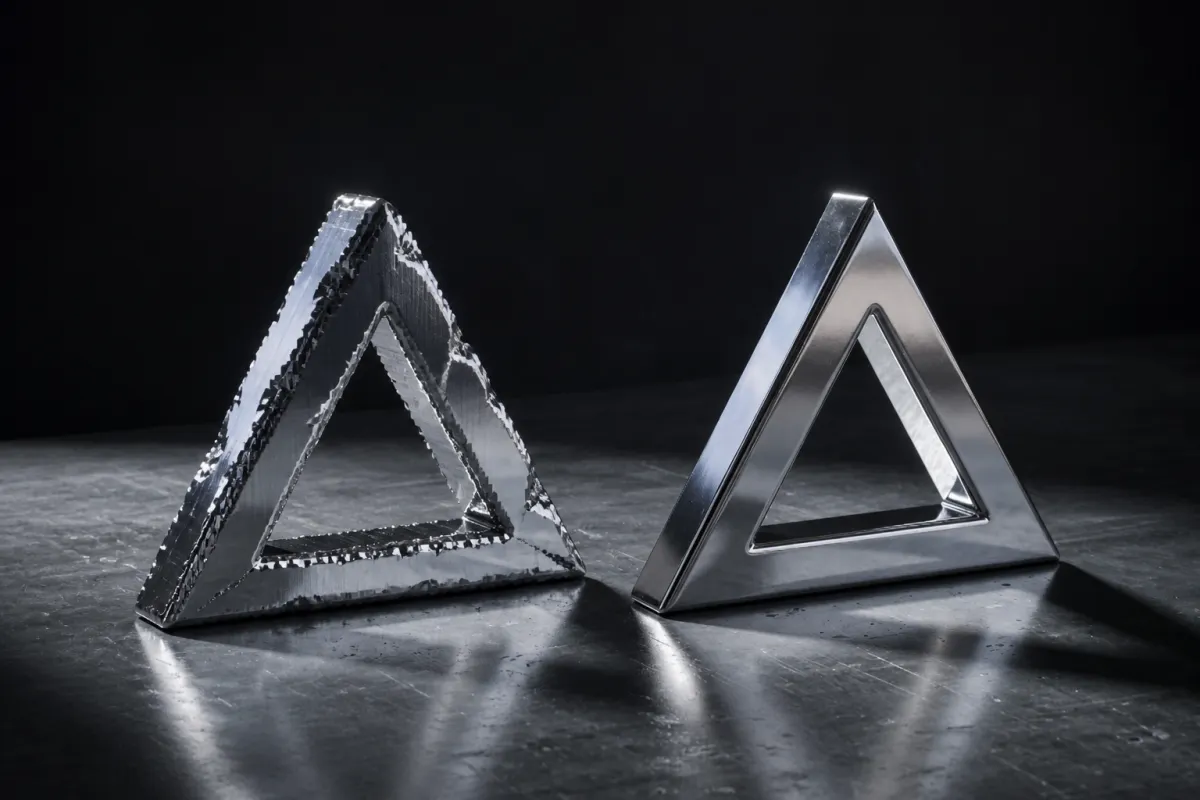
| Traced outline is ragged or wobbly | The source image had soft, anti-aliased, or low-contrast edges, so the tracer approximated them. | Re-export the artwork as a solid mark on a plain background at about 1000 px or more, with no drop shadow. |
| Holes in letters are filled in | Counters were exported as separate overlapping shapes instead of one compound path. | Select the outer shape and its counters and make a compound path before exporting. |
| A second faint silhouette behind the mark | A drop shadow or outer glow in the source image was traced as its own shape. | Remove shadows and glows from the artwork before uploading. |
| The logo looks flat, not 3D | Depth is too low, or there is no bevel for light to catch. | Raise depth and add a small bevel. The bright line along a bevel is what reads as an edge. |
| Chrome or gold looks grey and dull | The environment gives the material nothing to reflect. | Switch environment. A metal surface shows its surroundings, so a plain scene produces a plain metal. |
| The logo disappears on a light background | The material was lit for a dark scene, which is common for chrome and glass. | Change the environment and background together, then check the export over both light and dark before shipping. |
| Motion stutters on a phone | The mesh is heavy because the source outline had many paths. | Simplify the artwork to fewer paths. Under 20 is the comfortable range for smooth motion on older devices. |
| Exported PNG has a background you did not want | The background was set to a colour rather than transparent. | Set the background to transparent and export PNG, which is the only still format here with an alpha channel. |
Questions
- Why will my SVG not upload?
- One of four checks refused it: it is over 1 MB, it is not well-formed XML, it contains executable or externally referenced content such as a script or a remote font, or it has more than about 50 paths. The message names which. Exporting a plain paths-only SVG resolves most cases.
- Why is my uploaded logo blank?
- The usual cause is live text in the SVG that was never converted to outlines, so the file is valid but has no shape to extrude. Convert type to outlines and re-export. The second cause is artwork sitting outside the viewBox.
- Why does my traced PNG look rough?
- Tracing follows the boundary between light and dark, so a soft, low-contrast, or small image gives an imprecise edge. Re-export the artwork as a solid high-contrast mark on a plain background at roughly 1000 px or more, with shadows removed.
- Why did the holes in my letters fill in?
- The counters were separate overlapping shapes rather than one compound path, so the extrusion treated them as solid. Select the outer shape and its counters together and make a compound path before exporting.
- Why is my logo slow or stuttering?
- Path count drives mesh size. Five paths or fewer is optimal, up to 20 performs well, and 21 to 50 can be slow on older phones. Simplify the artwork by merging overlapping shapes and deleting hidden layers.
