Updated August 27, 2026
3D logo for streaming and gaming
A stream needs the same mark at four very different jobs: a 256 px avatar that is mostly seen at thumbnail size, a 1920 x 1080 offline banner, panels no wider than 320 px, and a short animated sting for alerts and transitions. Export a transparent PNG for the first three and an MP4 for the last.
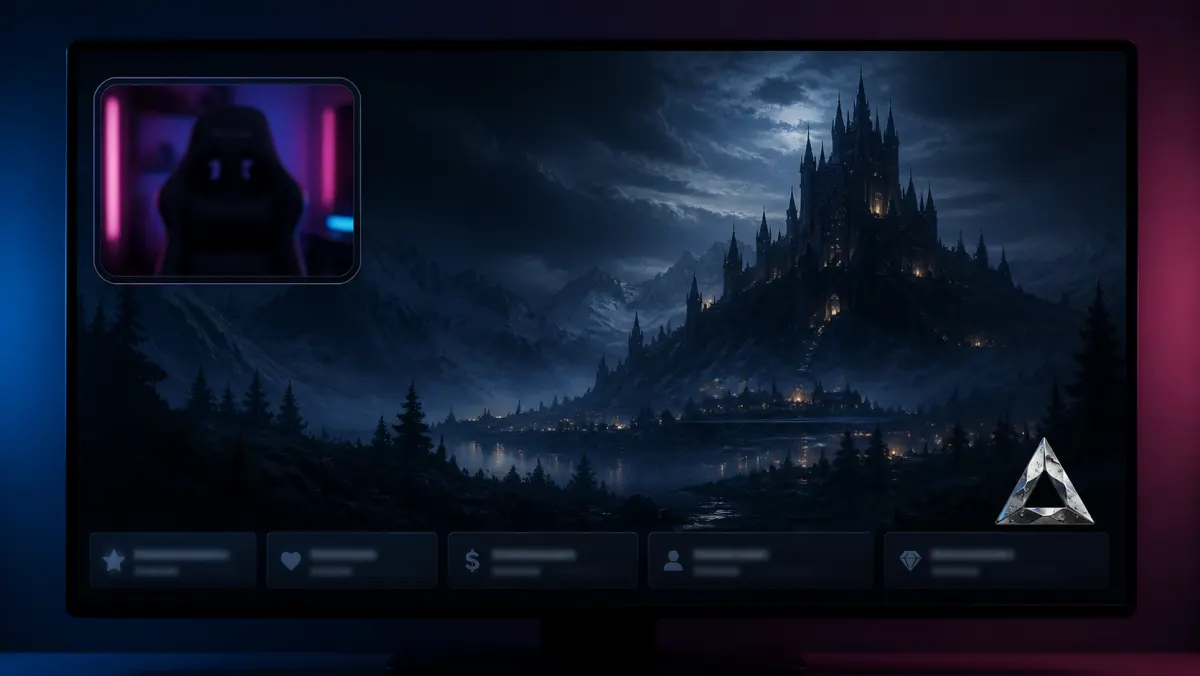
What a channel needs from the export
| Requirement | What to do on 3DLogo.io |
|---|---|
| Avatar | Twitch publishes 256 x 256 as the profile size and scales anything larger down, with 200 x 200 the minimum (checked August 2026). Export square with padding and keep the mark bold; this is the version most viewers actually see, at chat size. |
| Offline banner | 1920 x 1080, up to 10 MB. Free stills cap at 1024 px, so a banner at full resolution is a Pro export. Compose the banner in an image tool and place a transparent PNG of the logo into it rather than exporting the whole layout here. |
| Panels | Twitch panels are at most 320 px wide and 600 px tall, under 1 MB. That is comfortably inside the free export cap. At 320 px wide, holographic and gradient finishes stop reading; chrome and single-colour hold. |
| Alerts and stings | A short loop of the mark, exported as MP4. Free saves 480p with a small 3dlogo.io mark; Pro saves 720p or 1080p with nothing on it. An overlay sitting on a 1080p stream wants the Pro export. |
| Contrast | Stream layouts are usually dark, which suits chrome and gold: both take their brightness from the environment and separate cleanly from a dark ground. Glass needs something busy behind it or it disappears. |
Styles that suit this use
- Chrome 3D logo: Reads at avatar size and holds an edge highlight on a dark overlay.
- Gold 3D logo: Warm metal for a team crest; separates from dark UI without a stroke.
- Animated 3D logo: Alerts and transitions are the one place the mark should move.
How to make it on 3DLogo.io
- Open the editor and upload the mark as SVG, or type the channel or team name.
- Choose a chrome or gold preset; set the environment to studio and the background to transparent.
- Export a square transparent PNG at 1024 px for the avatar and panels.
- For the offline banner, export at 2K or 4K on Pro and compose the 1920 x 1080 canvas in an image tool.
- For alerts, set a motion in the Look panel and save an MP4 from the Share panel.
Conditions and limitations
The editor exports the mark, not the layout: the banner canvas, the panel buttons, and the overlay are assembled in an image tool or your streaming software. Free exports cap at 1024 px and carry a small 3dlogo.io mark, so a full-resolution offline banner or a 1080p sting needs Pro. Twitch sizes are as Twitch published them in August 2026 and are worth re-checking before a rebrand.
Questions
- What size is a Twitch profile picture?
- Twitch publishes 256 x 256 pixels, with 200 x 200 the minimum, and scales anything larger down (checked August 2026). Export the mark square and centred with padding, because it is displayed as a circle and cropped at the corners.
- What size are Twitch panels?
- At most 320 pixels wide and 600 tall, under 1 MB. That fits inside the free 1024 px export, so panels do not need Pro. At that width, keep to chrome or a single colour: holographic and gradient finishes stop reading well below it.
- Can I make a Twitch offline banner for free?
- You can make the logo for free, but not at banner resolution. The offline screen is 1920 x 1080 and free stills cap at 1024 px with a small 3dlogo.io mark. Pro exports 2K and 4K with nothing on the image.
- How do I make an animated logo for stream alerts?
- Set a motion in the Look panel, then save an MP4 from the Share panel. Free saves a 5-second 480p clip with a small mark; Pro saves 720p or 1080p with none. Most alert software takes an MP4 or a transparent WebM; the MP4 here is not transparent, so compose it on the alert background.
- What 3D logo style suits a gaming team?
- Chrome and gold hold up best, because stream layouts are usually dark and both take their brightness from the environment rather than from their own colour. Glass needs a busy background behind it to be visible at all, which a dark overlay does not give it.
The other surfaces
The same mark, and what each of the other places you will put it needs from the export.
