Updated August 27, 2026
Gradient 3D logo: brand colour on a 3D mark
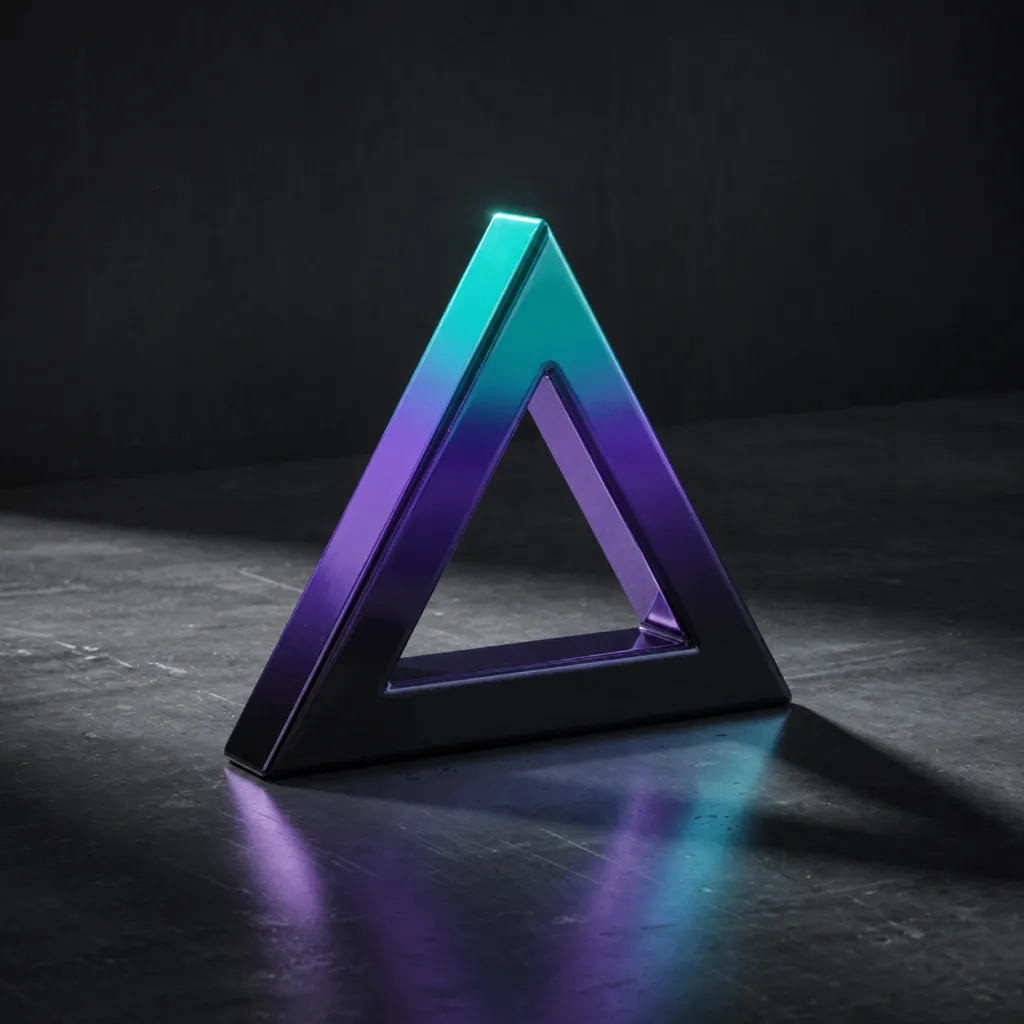
A gradient 3D logo is an extruded mark finished with a colour ramp rather than a single material colour, so the surface fades between two or three brand colours. In the 3DLogo.io editor the Cosmic Gradient group has six presets: Violet, Teal, Crimson, Amber, Azure, and Emerald fades over a metal base.
When to use a gradient 3D logo
A gradient is the option when the brand palette matters more than a physically plausible material. It keeps the depth and lighting of a 3D render while showing the brand's colours on the face and sides of the mark.
Best for
- Brands with a two-colour palette
- Social and app marketing
- Wordmarks that need colour, not metal
- Light backgrounds where metal looks grey
Conditions and limitations
The presets fix the colour stops; matching an exact brand hex pair means editing the gradient in custom material mode. Gradients over very thin strokes turn into a single colour at small sizes. The ramp exports into PNG and MP4 as rendered, and into GLB as a baked material.
Gradient presets in the editor
Six presets in the Cosmic Gradient group. Each link opens the editor with that preset applied.
- Violet Fade
Purple to blue.
- Teal Fade
Teal to deep blue.
- Crimson Fade
Red to dark red.
- Amber Fade
Orange to gold.
- Azure Fade
Sky blue to indigo.
- Emerald Fade
Green to teal.
How to make a gradient 3D logo on 3DLogo.io
- Open the editor and add your mark or text.
- Choose Cosmic Gradient and pick the fade closest to the brand palette.
- For an exact match, switch to custom material and set the stops.
- Choose a background that contrasts with both ends of the ramp.
- Export PNG for social and web, GLB for 3D.
Which export to use, and what Free includes
Every style exports the same way. Free: PNG or JPEG up to 1024px, GLB, glTF, OBJ, STL, USDZ, and a 5-second 480p MP4, each with a small 3dlogo.io mark. Pro: 2K and 4K stills, 720p and 1080p MP4, and no mark on any file.
Plan details are on the pricing page. GLB and glTF keep the material; OBJ and STL keep geometry only, and the free 3D converter recodes between them on the device.
Gradient versus holographic
A gradient paints fixed colours across the mark and looks the same from every angle; a holographic material shifts colour with the viewing angle. Choose a gradient for predictable brand colour in stills, holographic for motion.
Gradient 3D logo questions
- Can I use my exact brand colours?
- Yes, in custom material mode, where the gradient stops are editable. The six presets are starting points.
- Does the gradient stay in the GLB?
- Yes, as a baked material on the mesh. Engines render it as a textured surface rather than a procedural ramp.
