Updated August 27, 2026
Chrome 3D logo: a mirror-finish mark, made in the browser
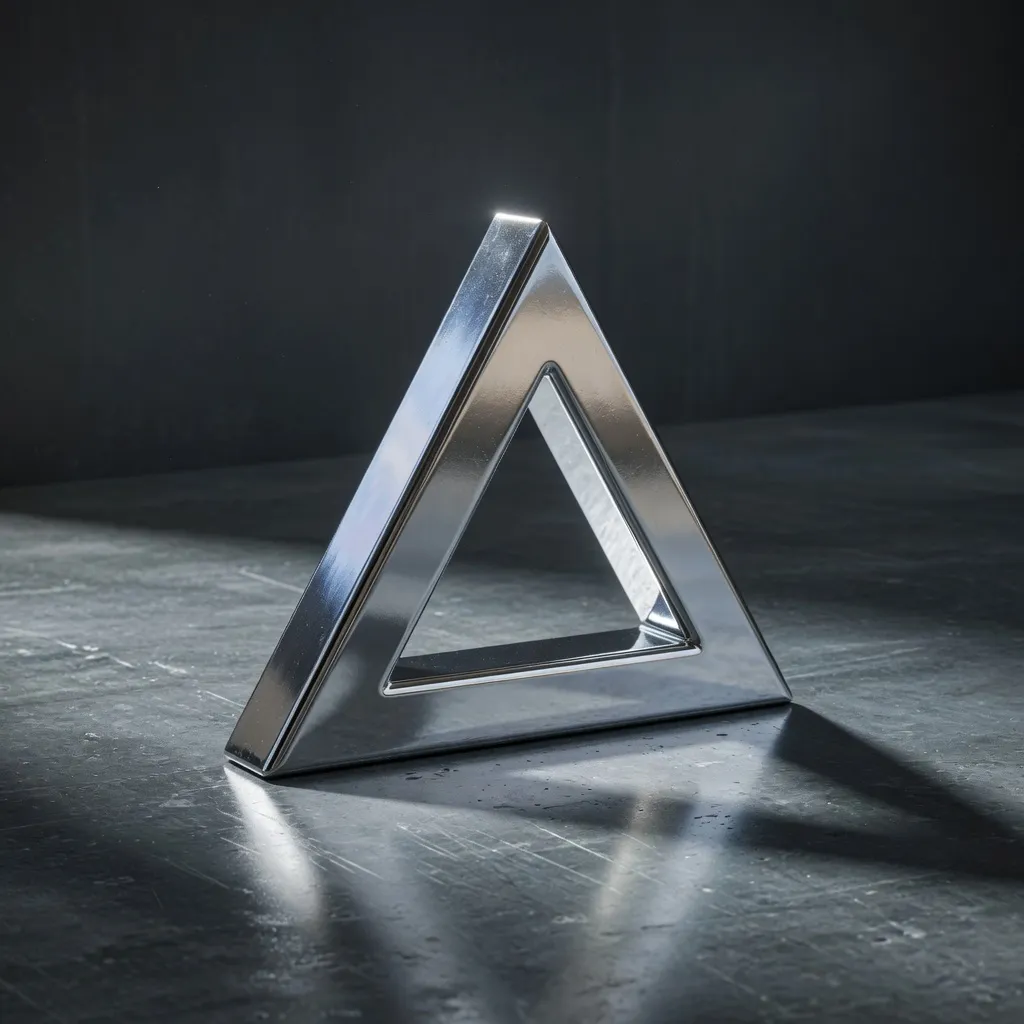
A chrome 3D logo is a logo extruded into a 3D mesh and finished with a polished, highly reflective metal material, so the mark reads as mirrored steel with sharp highlights. In the 3DLogo.io editor, chrome is a one-click preset applied to your uploaded SVG or PNG, or to typed text.
When to use a chrome 3D logo
Chrome carries the least colour of any finish, so the mark itself stays the subject: the highlights and reflections describe the shape rather than compete with it. That is why chrome is the usual choice for app icons, launch heroes, and dark interfaces, where a small mark still has to read as a physical object.
Best for
- App icons and favicons
- Launch and product hero images
- Dark UI and motion reels
- Hardware, automotive, and tech brands
Conditions and limitations
A mirror finish shows whatever the environment reflects. On a flat white background chrome can look grey and lifeless; switch the environment to studio or city, or add a bevel, to give the surface something to reflect. Very thin strokes lose their highlight at favicon size, so prefer bolder marks.
Chrome presets in the editor
Eight chrome presets ship in the Forged Chrome group. Each link opens the editor with that preset applied.
- Chrome Clean
Polished mirror chrome, the default for icons.
- Liquid Mercury
Roughness near zero for a poured-metal look.
- Black Nickel
Mirror-black metal, the black-nickel plating.
- Rough Chrome
A softer highlight that hides small mesh artefacts.
- Brushed Steel
Directional grain; see the brushed metal page.
- Damaged Metal
Worn chrome with surface breakup.
- Corrugated Steel
Ridged industrial panels.
- Metal Plates
Riveted plate surface.
How to make a chrome 3D logo on 3DLogo.io
- Open the editor and upload an SVG or PNG of your mark, or switch to Text and type the name.
- In the Look panel choose Forged Chrome, then Chrome Clean. The viewport updates live.
- Set depth and bevel; a small bevel gives chrome an edge highlight that reads at small sizes.
- Pick an environment (studio or city reflect the most detail) and a background colour.
- Export PNG for the web, GLB for 3D or AR, or MP4 for motion.
Which export to use, and what Free includes
Every style exports the same way. Free: PNG or JPEG up to 1024px, GLB, glTF, OBJ, STL, USDZ, and a 5-second 480p MP4, each with a small 3dlogo.io mark. Pro: 2K and 4K stills, 720p and 1080p MP4, and no mark on any file.
Plan details are on the pricing page. GLB and glTF keep the material; OBJ and STL keep geometry only, and the free 3D converter recodes between them on the device.
Chrome versus gold and glass
Chrome reflects; gold reflects with a warm tint; glass refracts. Choose chrome when the mark sits on a dark screen or needs to look engineered, gold when the piece is a seal, label, or certificate that has to feel premium in print, and glass when the logo sits over photography or a busy interface where a metal would fight the background.
Chrome 3D logo questions
- Is the chrome 3D logo maker free?
- Yes. Chrome presets, the live viewport, and PNG, GLB, and 480p MP4 export are free without an account. Free exports carry a small 3dlogo.io mark; Pro removes it and adds 4K stills and HD MP4.
- What file should I upload for a chrome logo?
- An SVG gives the cleanest extrusion. A PNG or JPEG is traced in the browser first, so a high-contrast mark on a plain background works best.
- Can I make a silver logo instead of chrome?
- Yes. Sterling Silver, Titanium, and Gunmetal are separate presets in the Precious Metals group and open with the same one-click links.
- Why does my chrome logo look flat?
- Chrome needs something to reflect. Change the environment from a plain colour to studio, city, or sunset, and add a bevel so the edges catch a highlight.
