
Updated August 27, 2026
Which mesh density should you generate at?
Start every new subject at Fast to see whether it reads in 3D at all, then re-run the one that works at a higher density. Fast caps the mesh at 20,000 faces for 30 credits; Ultra reaches 1,000,000 faces for 203. The density you pick changes detail, wait, and cost together.
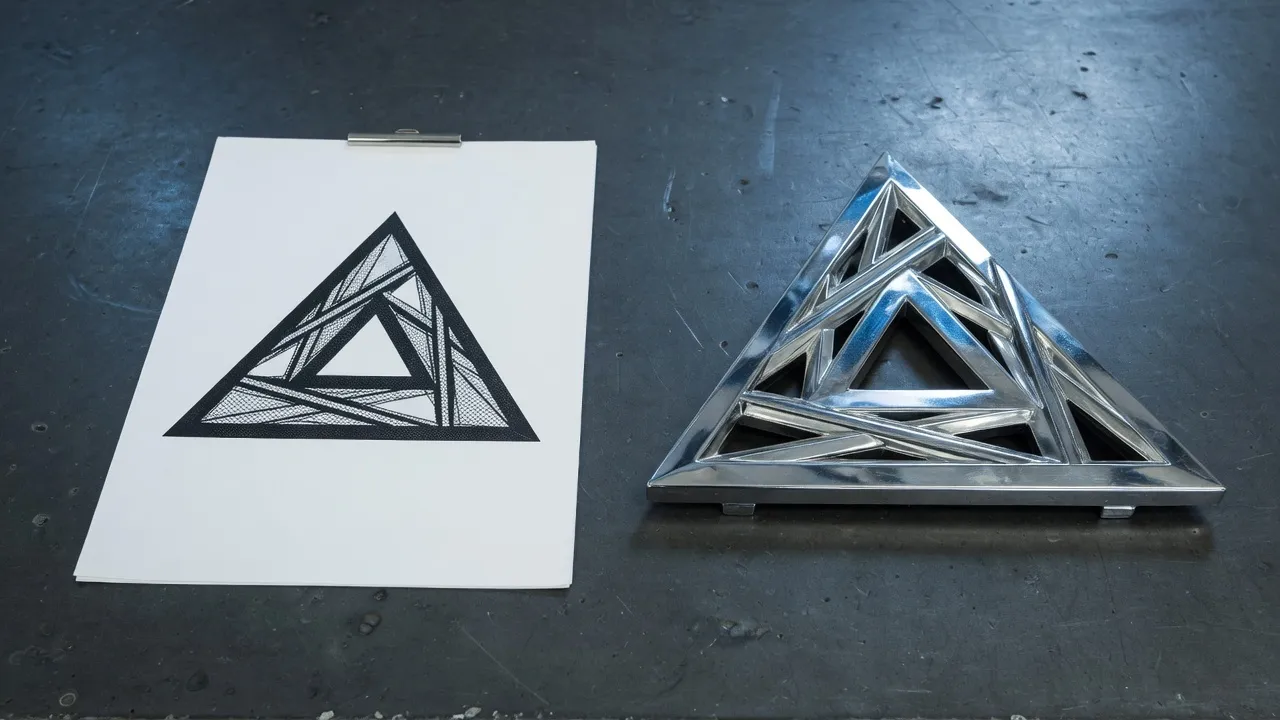
What does mesh density actually change?#
Three things at once: the ceiling on how many faces the mesh may have, how long the job takes, and how many credits it costs. Higher density means the surface can hold finer detail, not that the generator understands the subject better.
A face is one flat triangle or quad of the surface. More faces let a curve stay curved and an edge stay sharp; fewer faces force the shape to be approximated with larger flat pieces, which reads as a soft or faceted object.
High adds something Standard does not: PBR materials, hard-surface handling, and the ability to read extra views. That is a different kind of improvement from face count, which is why High and Standard share a face ceiling but not a price.
Density cannot rescue a bad input. A cluttered photo or a vague prompt returns a confused object at 1,000,000 faces just as surely as at 20,000, only slower and for more credits.
The four densities compared#
Fast is the draft rung and the only one on Free. Standard is the cheapest full-detail mesh. High adds PBR materials and extra views. Ultra doubles the face ceiling for the largest jump in cost.
| Density | Plan | Face ceiling | Typical wait | Cost | What it is for |
|---|---|---|---|---|---|
| Fast | Pro | 20,000 faces | about 20s | 30 credits | Quick textured draft |
| Standard | Pro | 500,000 faces | about 2 min | 68 credits | Full-detail mesh |
| High | Pro | 500,000 faces | about 2 min | 120 credits | PBR, hard-surface, extra views |
| Ultra | Pro | 1,000,000 faces | about 4 min | 203 credits | PBR at 1M faces |
How many generates does an allowance cover?#
Pro includes 1,200 credits a month, or 9,600 once on the yearly plan. Unused credits expire at the end of the period, so a month is a budget rather than a balance.
| Density | Cost each | Pro monthly covers | Pro yearly covers |
|---|---|---|---|
| Fast | 30 credits | about 40 generates | about 320 generates |
| Standard | 68 credits | about 17 generates | about 141 generates |
| High | 120 credits | about 10 generates | about 80 generates |
| Ultra | 203 credits | about 5 generates | about 47 generates |
When is Fast enough?#
Fast is enough whenever the mesh is going to be looked at rather than worked on: a thumbnail, a spinning object in a reel, a shape you are testing an idea against, or a first check that a photo or prompt reads at all. At 20,000 faces it holds a silhouette well and fine detail poorly.
Treat Fast as the audition. Two or three Fast runs cost less than one High run and tell you which subject deserves the High run, which is the single biggest saving available on this studio.
Fast is also the only rung on Free, so it is what a Free account is deciding with. Anything you publish from it will still carry the free export rules that apply elsewhere on the site.
When is Ultra worth the credits?#
Ultra earns its 203 credits when the mesh will be seen close up or edited afterwards: a hero render, a print, or a model going into a desktop 3D tool where you will cut, decimate, or re-topologise it. For anything shown small or served on a web page, it is over-specified.
A 1,000,000-face mesh is heavy. Serving one directly to a web page is usually the wrong call; either generate lower or reduce the mesh in a desktop tool before publishing.
The gap between High and Ultra is face ceiling, not understanding. If the object came back the wrong shape at High, Ultra returns the same wrong shape with more faces. Fix the input instead.
What happens to credits when a job fails?#
They return to the account. A generate that fails, is cancelled, or times out refunds the credits it reserved, so an experiment that does not work costs you the wait rather than the allowance.
Welcome credits are spent before period credits, so a new account works through its grant first.
A refusal is cheaper still. An unsupported file, an over-size image, or a missing prompt is rejected before the job starts and never reserves credits at all.
Unused period credits expire at the end of the billing cycle and do not roll over.
Questions
- What is mesh density?
- The ceiling on how many faces the generated mesh may have, together with the engine that produces it. On 3DLogo.io the rungs are Fast at 20,000 faces, Standard and High at 500,000, and Ultra at 1,000,000.
- How much does one generate cost?
- Fast 30, Standard 68, High 120, and Ultra 203 credits. A photo and a prompt cost the same at the same density.
- What is the difference between Standard and High?
- They share a face ceiling. High adds PBR materials, hard-surface handling, and the ability to read the extra back, left, and right views, which is why it costs more than Standard for the same face count.
- Do unused credits roll over?
- No. Unused period credits expire at the end of the billing cycle. Credits returned from a failed job go back into the current period and expire with it.
- Which density should I use for 3D printing?
- Standard or higher, then convert the GLB to STL in the on-device converter. Fast at 20,000 faces prints visibly faceted on anything larger than a small figure.