Updated August 27, 2026
3D logo clip for Reels, TikTok, and Shorts
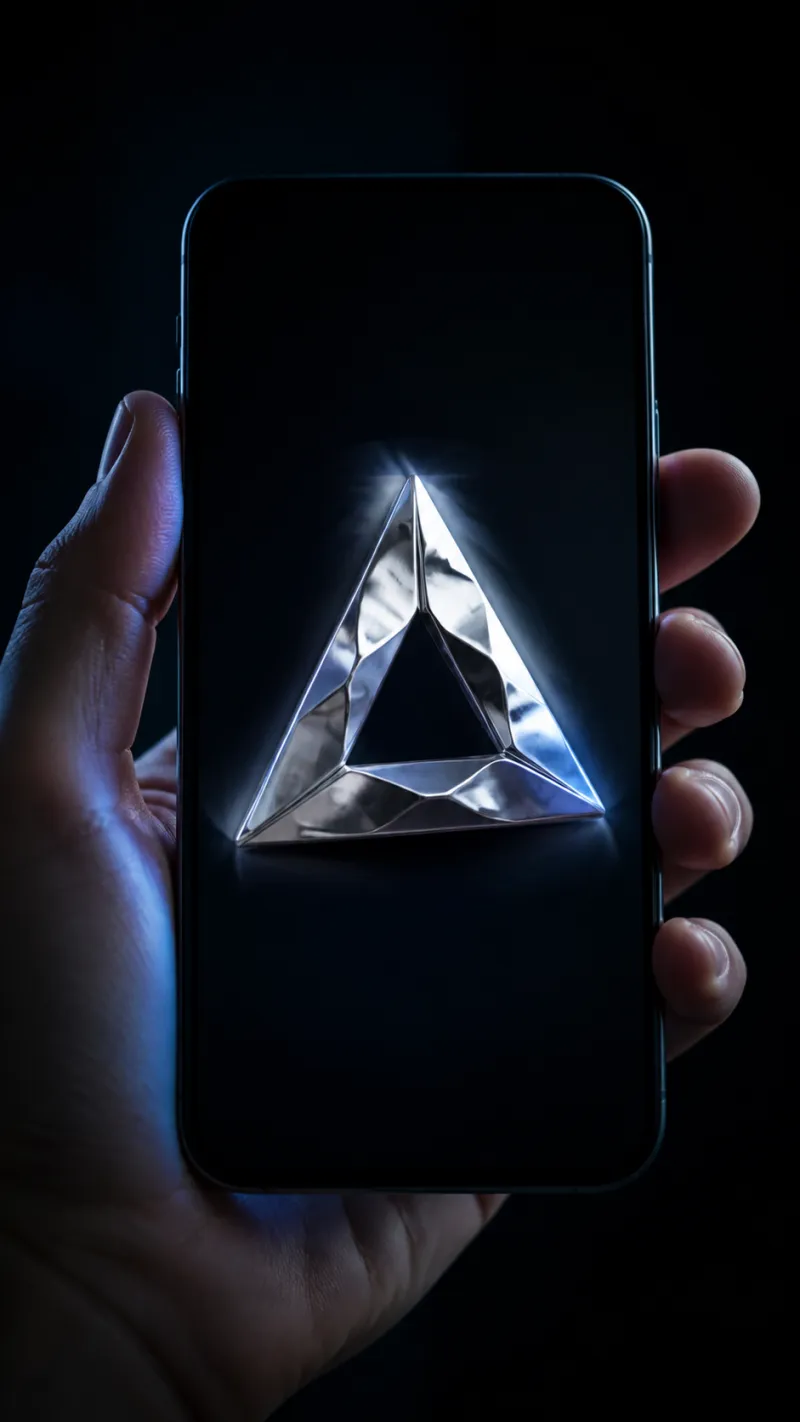
Vertical feeds want a 9:16 clip of a few seconds with the mark centred and moving. On 3DLogo.io the Share panel saves a 5-second 9:16 MP4 of the live scene; Free saves 480p with a small 3dlogo.io mark, Pro saves 1080p with nothing on it.
What the vertical feeds need from the clip
| Requirement | What to do on 3DLogo.io |
|---|---|
| Aspect and length | 9:16, five seconds, 30 frames per second. Instagram, TikTok, and YouTube accept 1080 × 1920 MP4; a 480p clip plays but is upscaled. |
| Framing | The mark sits at about half the frame width, centred, with the pedestal below; that matches where a logo sits in a feed rather than edge to edge. |
| Motion | Spin for a turntable loop, Reveal for an intro sting, Tumble when the finish should catch light from several angles. |
| Style | Chrome and holographic show the most movement; glass refracts the background as it turns. |
| Background | The MP4 has no alpha channel, so the scene background is part of the clip. Match it to your feed palette or use a dark studio ground. |
Styles that suit this use
- Animated 3D logo: The motion presets and the MP4 rules in detail.
- Holographic 3D logo: Colour that shifts as the mark turns.
How to make it on 3DLogo.io
- Open the editor, add the mark, and pick a material that rewards movement.
- In Motion choose Spin or Reveal and set the background colour.
- Open Share and choose Instagram, TikTok, or Shorts under Post the video; the 9:16 clip saves and the app opens.
- Upload the saved MP4 in the app; add sound there.
Conditions and limitations
Video export needs Chrome, Edge, or Safari 16.4 or newer (WebCodecs). The clip is silent; add audio in the platform app. Free clips are 480p with the 3dlogo.io mark.
Questions
- How do I get 1080p?
- Pro. The same Share buttons save 1080p with no mark; Free saves 480p with a small 3dlogo.io mark.
- Can the clip be longer than five seconds?
- Not from the editor. Loop it in the platform app or your video tool.
- Can I post a 16:9 version to YouTube?
- Yes. Download formats in the Share panel include a Wide MP4 (16:9) and a Square MP4 (1:1) at the same plan limits.
The other surfaces
The same mark, and what each of the other places you will put it needs from the export.
