Loading generate…
Photo or prompt in. GLB out.
Generate 3D is 3DLogo.io's image-to-3D and text-to-3D studio. Upload a PNG, JPEG, or WebP, or write a short prompt. Pick Fast through Ultra, orbit the result, and download a GLB. It is separate from logo extrusion in the editor. Every density runs on Pro credits: Fast for a quick draft, Standard, High, and Ultra for full detail.
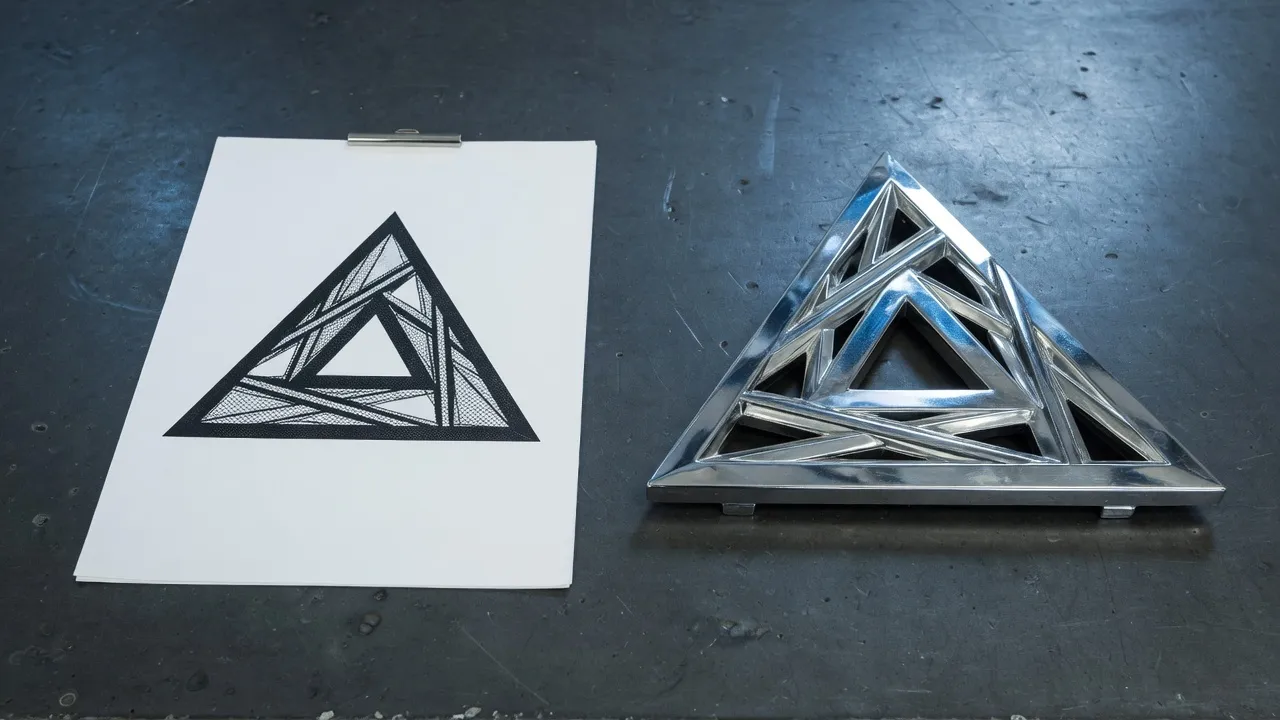
From a photo or a prompt to a downloadable GLB in three steps. Failed jobs return the credits.
1
Drop a PNG, JPEG, or WebP, or write a short description. Extra views are optional on Pro image jobs.
2
Pick a density. Every density runs on Pro credits. Fast is a quick draft; Standard, High, and Ultra add full-detail meshes, PBR materials, and extra views.
3
Orbit the result in the studio, then save the GLB. Open it in the GLB viewer or convert to OBJ or STL in the tab. If the job fails, the credits for that run return.
One workspace for both inputs. Fast returns a textured draft in seconds on Free, from a photo or a prompt. Standard, High, and Ultra add full-detail meshes, PBR materials, and extra views on Pro.
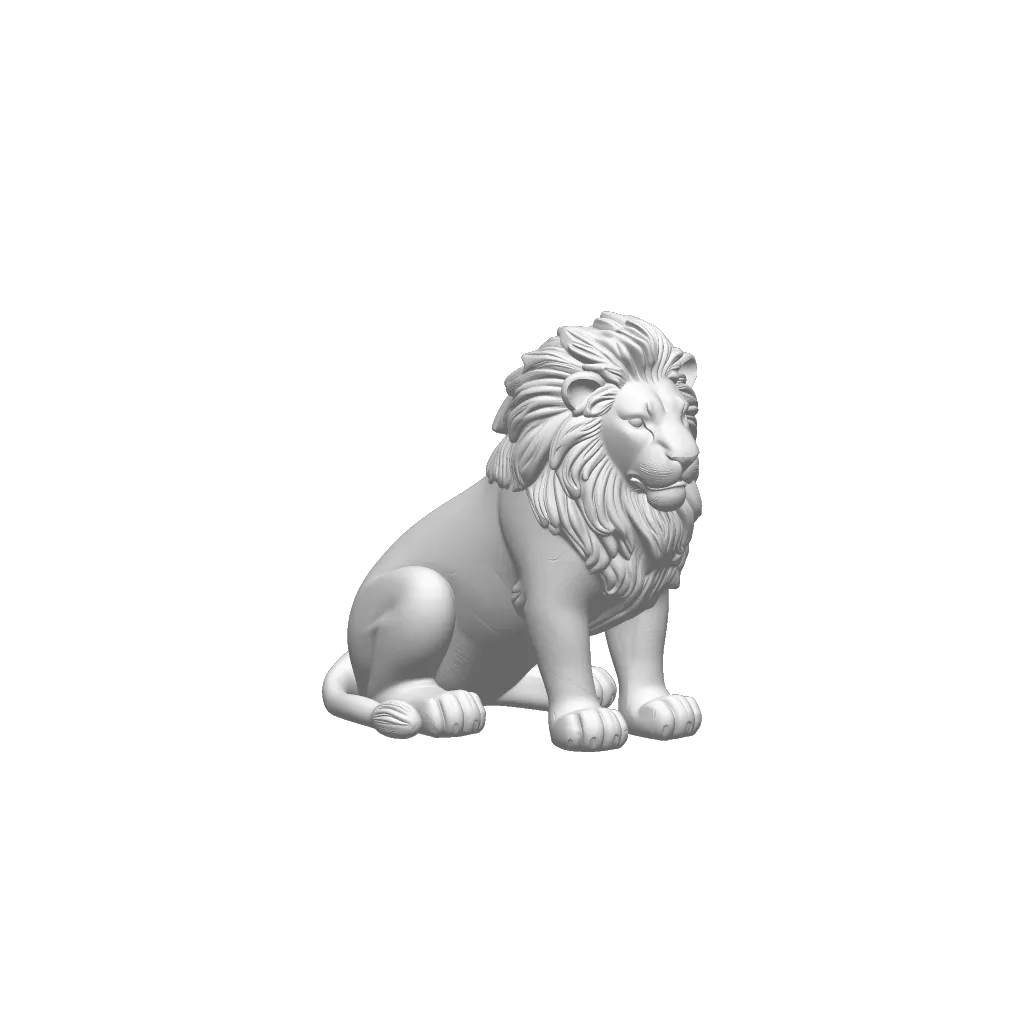
Upload a PNG, JPEG, or WebP. Fast stays on Free. Pro adds Standard, High, and Ultra density, PBR materials, and extra views.
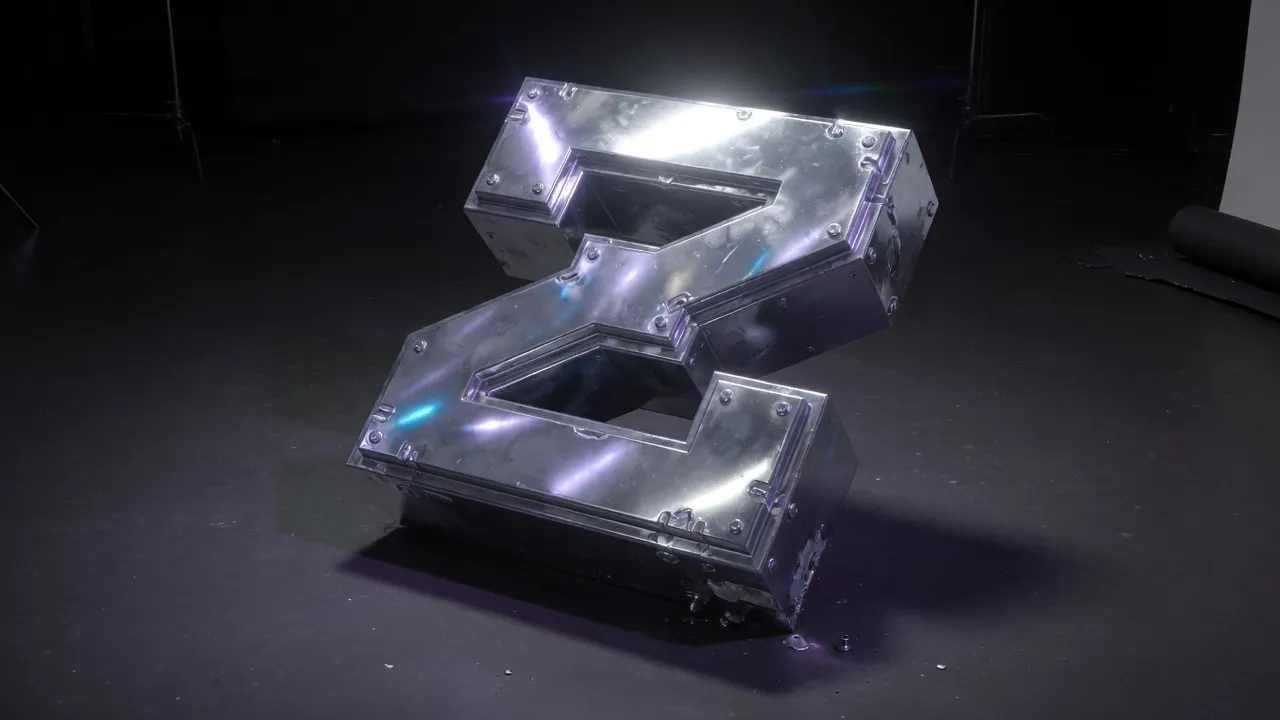
Fast returns a textured draft on Free. Standard and up add full-detail meshes and PBR materials on Pro. Failed jobs return the credits.
The Generate button shows the cost before you run a job. Extra views and turning texture off can change the amount.
| Density | Plan | Credits |
|---|---|---|
| Fast | Pro | 30 |
| Standard | Pro | 68 |
| High | Pro | 120 |
| Ultra | Pro | 203 |
| Density | Plan | Credits |
|---|---|---|
| Fast | Pro | 30 |
| Standard | Pro | 68 |
| High | Pro | 120 |
| Ultra | Pro | 203 |
Generate 3D is a standalone studio on 3DLogo.io. It turns a photo or a short prompt into a downloadable GLB. It is separate from logo extrusion in the editor, where you still type or upload a mark and finish it in chrome, gold, or glass.
Open Generate, add a PNG, JPEG, or WebP, pick a density, and run the job on Pro credits. Standard, High, and Ultra add full-detail meshes, PBR materials, and extra views. Failed jobs return the credits.
Yes. Switch to Text, write a short prompt, and run Fast for a textured draft. Standard, High, and Ultra add full-detail meshes and PBR materials on the Pro plan. Standard keeps prompts under 200 characters; the other densities allow up to 1024.
Generate runs on Pro credits at every density. Pro also adds extra views, 4K stills, HD MP4, and no watermark. The logo editor, exports and sharing stay free.
A completed job returns a GLB you can orbit in the studio and download. Open that GLB in the free viewer, or convert it to OBJ, STL, or PLY in the 3D converter. PNG and GLB from the logo editor stay free. Generate is the mesh pipeline for photos and prompts, not a replacement for editor extrusion.
If a job fails, is cancelled, or times out, those credits return to the account. Welcome credits are spent first, then the current period. Unused period credits expire at the end of the billing cycle.
Keep history on your account. The editor stays free for chrome, gold, and glass marks.
