Updated August 27, 2026
Glass 3D logo: refraction and depth instead of reflection
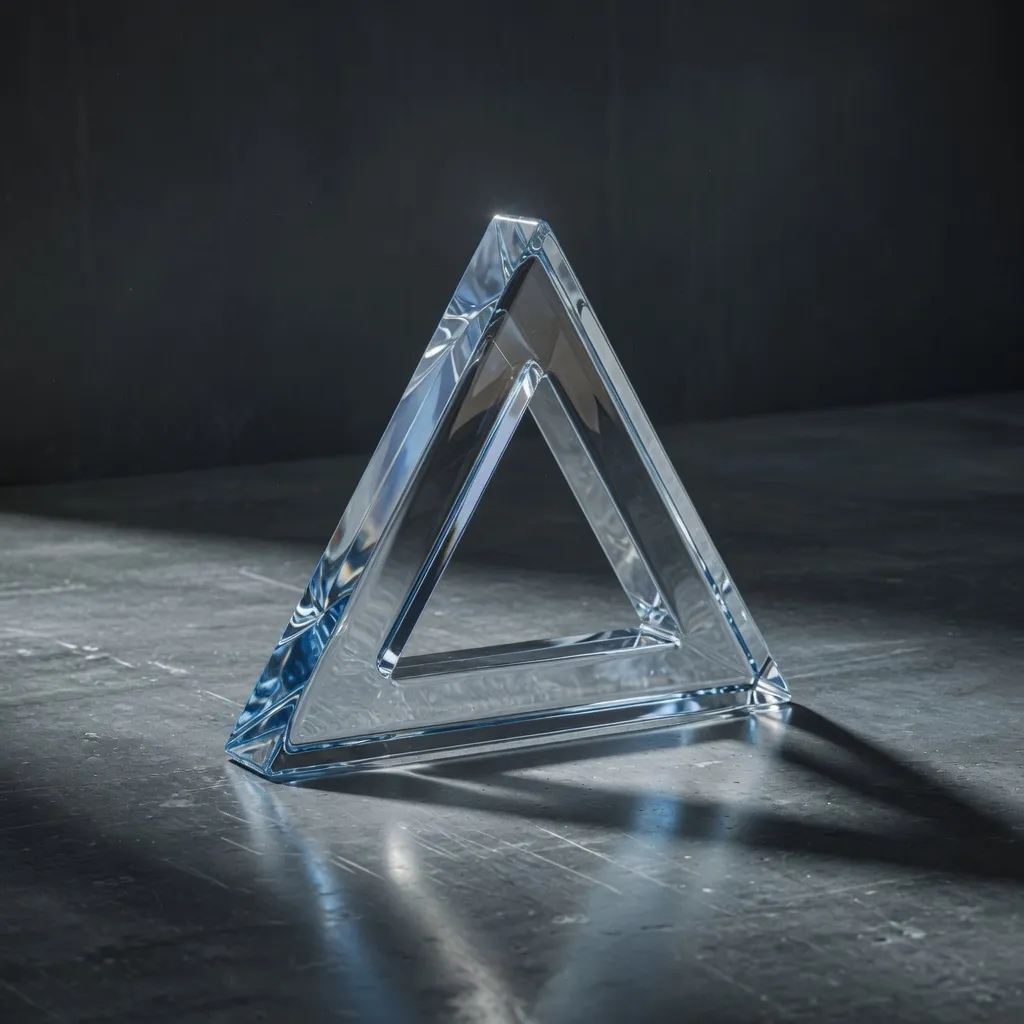
A glass 3D logo is an extruded mark finished with a transmissive material, so light passes through it and the background bends and blurs inside the shape. In the 3DLogo.io editor the Crystal Glass group includes Clear Glass, Liquid Glass, Diamond, Frosted Glass, Blue Tinted Glass, and three gummy variants.
When to use a glass 3D logo
Glass is the finish to reach for when the logo has to sit over photography, gradients, or a busy interface. A metal would reflect and fight the background; glass shows it through the mark, which keeps the composition calm. Frosted glass gives the soft, diffused look associated with glassmorphism UI.
Best for
- Logos over photography or gradients
- Glassmorphism and frosted UI
- Water, beauty, and wellness brands
- Crystal and diamond motifs
Conditions and limitations
Transmission is the heaviest material to render, so the live viewport is slower on older devices and the render quality toggle matters. Glass over a plain black background looks like dark plastic; give it a gradient, a lit environment, or a photograph. Fine interior detail can vanish inside thick glass; reduce depth for detailed marks.
Glass presets in the editor
Eight presets in the Crystal Glass group. Each link opens the editor with that preset applied.
- Clear Glass
Neutral transmission; the default.
- Liquid Glass
Thin moulded acrylic, softer than crystal.
- Diamond
High index of refraction with dispersion.
- Frosted Glass
Diffused transmission for a soft look.
- Blue Tinted Glass
Cool-tinted clear glass.
- Berry, Lime, Amber Gummy
Coloured, slightly cloudy glass.
How to make a glass 3D logo on 3DLogo.io
- Open the editor and add your mark or text.
- Choose Crystal Glass, then Clear Glass or Frosted Glass.
- Set a gradient or lit environment so the glass has something to refract.
- Lower the depth for marks with fine interior detail.
- Export PNG with transparency for UI use, or GLB to keep the glass material in a 3D scene.
Which export to use, and what Free includes
Every style exports the same way. Free: PNG or JPEG up to 1024px, GLB, glTF, OBJ, STL, USDZ, and a 5-second 480p MP4, each with a small 3dlogo.io mark. Pro: 2K and 4K stills, 720p and 1080p MP4, and no mark on any file.
Plan details are on the pricing page. GLB and glTF keep the material; OBJ and STL keep geometry only, and the free 3D converter recodes between them on the device.
Glass versus chrome and holographic
Chrome reflects the scene, glass transmits it, holographic shifts colour with the viewing angle. Use glass when the background must stay visible, chrome when the mark must look solid and engineered, and holographic when the piece will move and you want the hue to travel across the surface.
Glass 3D logo questions
- Does a glass logo export as transparent PNG?
- Yes. Transparent PNG keeps the refraction baked into the pixels of the mark and leaves the rest of the image transparent.
- Does the GLB keep the glass material?
- Yes. The GLB carries the physically based material, including transmission, so viewers and engines that support KHR materials render it as glass.
- Why is the viewport slow with glass?
- Transmission renders the scene behind the mark a second time. Switch the render quality to standard, or reduce depth and bevel segments.
