Updated August 27, 2026
3D logo glossary
These are the terms the 3DLogo.io editor and the rest of this guide use, defined in one or two sentences each. They are grouped by where you meet them: turning a flat mark into geometry, giving that geometry a surface, lighting it, and getting a file out.
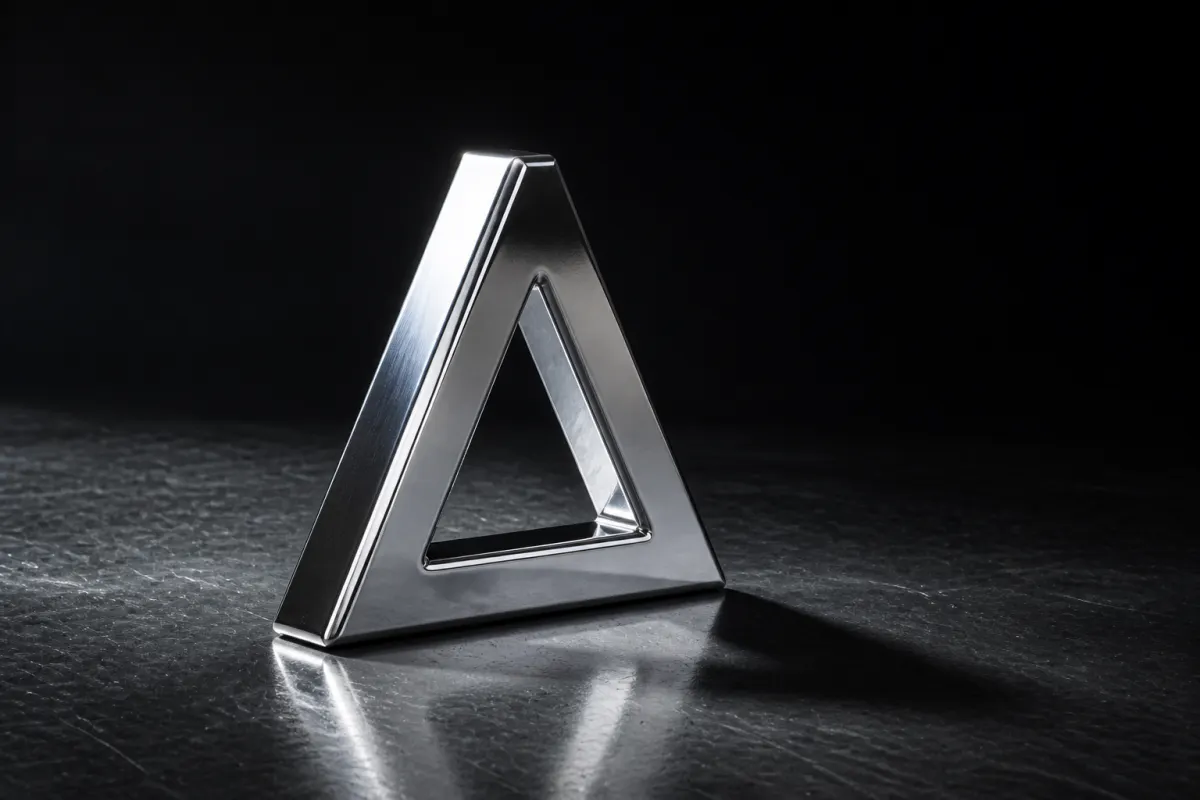
How does a flat mark become 3D geometry?#
A 3D logo starts as a 2D outline. These terms describe how that outline becomes an object with volume.
- Extrude#
- Pushing a flat outline along a third axis to give it thickness. Extruding is what makes a logo three-dimensional; everything else is surface and lighting.
- Depth#
- How far the outline is extruded. Low depth reads as an embossed sticker; high depth reads as a solid object. Depth is the single control that most changes whether a logo looks 3D at small sizes.
- Bevel#
- A small angled or rounded cut along the extruded edge. A bevel catches light as a bright line, which is what makes chrome and gold read as metal rather than as flat colour.
- Mesh#
- The triangles that make up the 3D object. Every export except a PNG or an MP4 is a description of a mesh.
- Vertex#
- One corner point of a triangle in the mesh. Vertex count rises with the complexity of the source outline, which is why path count in an SVG affects performance. More on Vertex.
- Path#
- One continuous curve in a vector file. A logo made of five paths extrudes cleanly; one made of hundreds, usually from an auto-traced photo, produces a mesh too heavy to render in a browser. More on Path.
- Compound path#
- Two or more paths treated as one shape so that an inner path cuts a hole rather than filling it. This is what keeps the counter of an O or an A open after extrusion.
- Tracing#
- Estimating vector paths from a raster image by following the boundary between light and dark regions. Required for any PNG or JPEG upload, and the reason contrast in the source image decides the quality of the result. More on Tracing.
- Vector and raster#
- A vector file stores curves and scales without loss; a raster file stores pixels and softens when enlarged. SVG is vector; PNG, JPEG, GIF, and WebP are raster.
What gives a 3D logo its surface and material?#
Material terms describe how a surface responds to light. Every finish in the editor is a set of these values rather than a picture of a material.
- Material#
- The set of values that decide how a surface responds to light. Chrome, gold, glass, and the gradients are all presets of the same underlying material system.
- PBR#
- Physically based rendering. A way of describing surfaces by physical properties, mainly how metallic and how rough they are, so that one material looks correct under any lighting instead of only the lighting it was authored in.
- Base colour#
- The colour of the surface before lighting. Also called albedo. On a metal it tints the reflection; on a non-metal it is the colour you see.
- Metalness#
- How much a surface behaves like metal, from 0 to 1. At 1 the surface has almost no colour of its own and shows the environment instead, which is why chrome looks like whatever is around it.
- Roughness#
- How scattered the reflection is, from 0 to 1. Near 0 gives a mirror; near 1 gives a matte surface. Roughness is what separates polished chrome from brushed steel. More on Roughness.
- Transmission#
- How much light passes through a surface instead of bouncing off it. High transmission is what makes the glass presets show the background through the mark. More on Transmission.
- Index of refraction#
- How sharply light bends as it enters a transparent material. It sets how much a glass logo distorts whatever sits behind it.
- Iridescence#
- A thin-film effect that shifts hue with viewing angle. It is what the holographic presets use, and it is why a holographic logo is more convincing in motion than as a still. More on Iridescence.
- Colour ramp#
- A blend between two or more colours across the surface, fixed to the object rather than to the lighting. It is what the gradient presets apply, and unlike metal it looks the same in every environment. More on Colour ramp.
- Normal map#
- A texture that fakes fine surface detail by changing how light bounces, without adding geometry. Grain, ridges, and wear on the metal presets come from normal maps.
What do the lighting and camera controls do?#
A reflective material has nothing to show until something lights it. These terms cover where that light comes from and how the scene is framed.
- Environment map#
- An image of surroundings wrapped around the scene and used as the light source. The eight environments in the editor, from studio to city, are environment maps.
- HDRI#
- A high dynamic range image, the usual file behind an environment map. Its wide brightness range is what lets a small bright area act like a real light and produce a convincing highlight.
- Image based lighting#
- Lighting a scene from an environment map rather than from placed lamps. It is why changing the environment changes a chrome logo more than changing its colour does.
- Tone mapping#
- Compressing the wide brightness range of a rendered scene into what a screen can show. Without it, bright metal highlights clip to flat white.
- Anti-aliasing#
- Smoothing the stair-stepping on edges that are not exactly horizontal or vertical. It is the reason an exported still looks cleaner than the live preview on a low-resolution screen.
- Device pixel ratio#
- How many physical screen pixels the browser draws per CSS pixel. Rendering a 3D scene at full ratio on a high-density phone is expensive, so a studio may lower it to keep motion smooth.
- Alpha channel#
- The per-pixel transparency stored alongside colour. PNG has one; JPEG does not. It is what makes a transparent-background logo possible. More on Alpha channel.
Which 3D file format carries what?#
Each 3D format carries a different subset of the scene. Picking one is really a decision about what you are willing to lose.
- GLB#
- A single binary file holding geometry, PBR materials, textures, and animation clips. The default choice for the web, AR, and anything that needs the real model. More on GLB.
- glTF#
- The same scene description as GLB, written as JSON with assets either embedded or alongside. Easier to inspect, less convenient to ship as one file.
- OBJ#
- A long-standing interchange format for mesh geometry. Widely readable, but material and texture sets are not applied here, so a finish does not travel with it.
- STL#
- Nothing but triangles, designed for 3D printing. No colour, no UVs, no scene graph. Correct for a printer and wrong for almost everything else. More on STL.
- PLY#
- A point and mesh format where vertex colour can survive but PBR textures cannot. Common in scanning and research pipelines.
Questions
- What does extruding a logo mean?
- Extruding means pushing a flat outline along a third axis so it gains thickness. It is the step that turns a 2D logo into a 3D object. Depth controls how far it is pushed, and a bevel shapes the edge that results.
- What is the difference between metalness and roughness?
- Metalness decides whether a surface behaves like metal, which mostly means showing its surroundings instead of its own colour. Roughness decides how sharp that reflection is. Polished chrome is high metalness and low roughness; brushed steel is high metalness and higher roughness.
- Why does a chrome logo look different on each background?
- Because a high-metalness surface shows its environment rather than a colour of its own. Change the environment map and the same chrome material becomes warm, cool, bright, or dim. This is expected behaviour, not a rendering fault.
- Do I need to know these terms to make a 3D logo?
- No. The presets set all of these values for you. The terms are useful when a result is close but not right, because they tell you which single control to change rather than trying presets at random.
