USDZ to STL converter
Updated September 2026
What is a USDZ to STL converter?
Apple AR zip in. Slicer mesh out.
Slicers want STL, not USDZ. This page writes binary STL from the USDA mesh. Color and PBR are discarded. Preview the hull, then slice. Repair is not included.
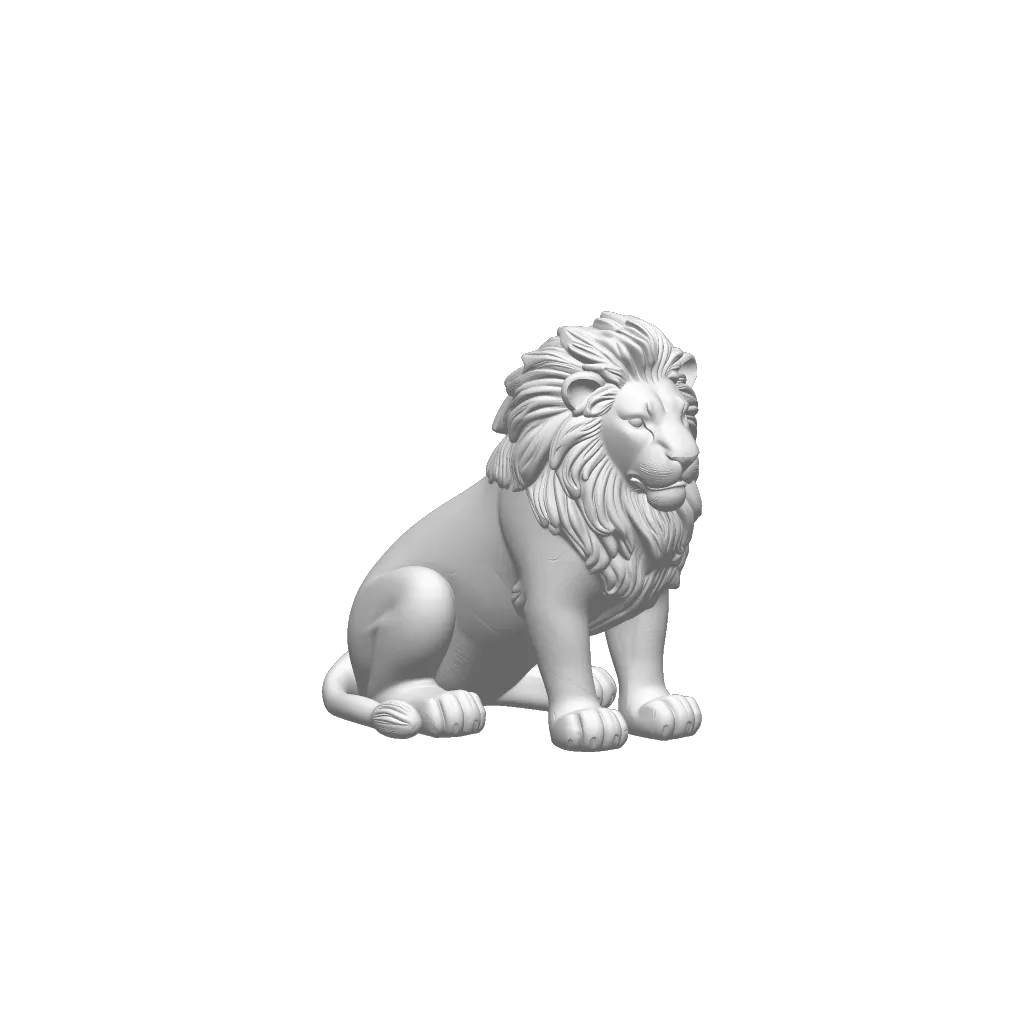
How to convert USDZ to STL
Source USDZ, target STL, orbit the hull, download binary STL.
1
Drop a USDZ file
Source is USDZ. The File API reads it in this tab. Nothing is posted. Keep it under 80 MB.
2
Write STL
The mesh is written as binary STL.
3
Take the file to the next tool
Open in the slicer. Check units.
USDZ versus STL on this route
This page is only USDZ → STL. Other pairs have their own keep and lose notes so they do not repeat this conversion.
| On this conversion | What happens |
|---|---|
| Keeps | Triangle hull for a slicer. |
| Drops | Color, PBR, and Quick Look packaging. |
| Next step | Slice. Use the STL viewer if you only needed to glance at the hull. |
| Attribute | Result on the reference scene |
|---|---|
| Separate objects | Merged into 1 |
| UV coordinates | Lost |
| Vertex colour | Lost |
| Material names | Lost |
| Vertices on the reference scene | 72 of 48 |
| Mesh | Source | STL | Change | Vertices written |
|---|---|---|---|---|
| mug.glb | 880 KB | 2,441 KB | 2.8x | 150,000 |
| lion.glb | 8,768 KB | 24,352 KB | 2.8x | 1,496,202 |
USDZ as the source: Geometry only. Color and clips are dropped. Measured 2026-09-13 by running this converter’s own loaders and exporters headlessly. How every format was measured.
USDZ to STL stays in this tab
USDZ is parsed with the File API. STL is written in memory. Color, PBR, and Quick Look packaging. That is a format rule, not an upload. Files over 80 MB are refused because RAM is the limit.
USDZ to STL questions
What is a USDZ to STL converter?
Slicers want STL, not USDZ. This page writes binary STL from the USDA mesh. Color and PBR are discarded. Preview the hull, then slice. Repair is not included.
How do I convert USDZ to STL online?
Source USDZ, target STL, orbit the hull, download binary STL. No Blender and no account.
Can I 3D print a USDZ without this conversion?
Most consumer slicers still want STL. Convert USDZ to STL here, then open the STL in the slicer.
Will USDZ to STL make the mesh watertight?
No. It writes the triangles it has. Repair holes in a mesh tool if the slicer complains.
Are my 3D files uploaded?
No. USDZ is parsed here and STL is written in memory. There is no convert API.
Can I view USDZ without converting?
Yes. Open the USDZ viewer if you only need to orbit. Convert when the next tool actually wants STL.
Convert USDZ to STL, or inspect first
Slice. Use the STL viewer if you only needed to glance at the hull.
